How to calculate what no-shows cost your nail business
 By the DaySync team. Drafted with Lissa, our AI writing assistant.
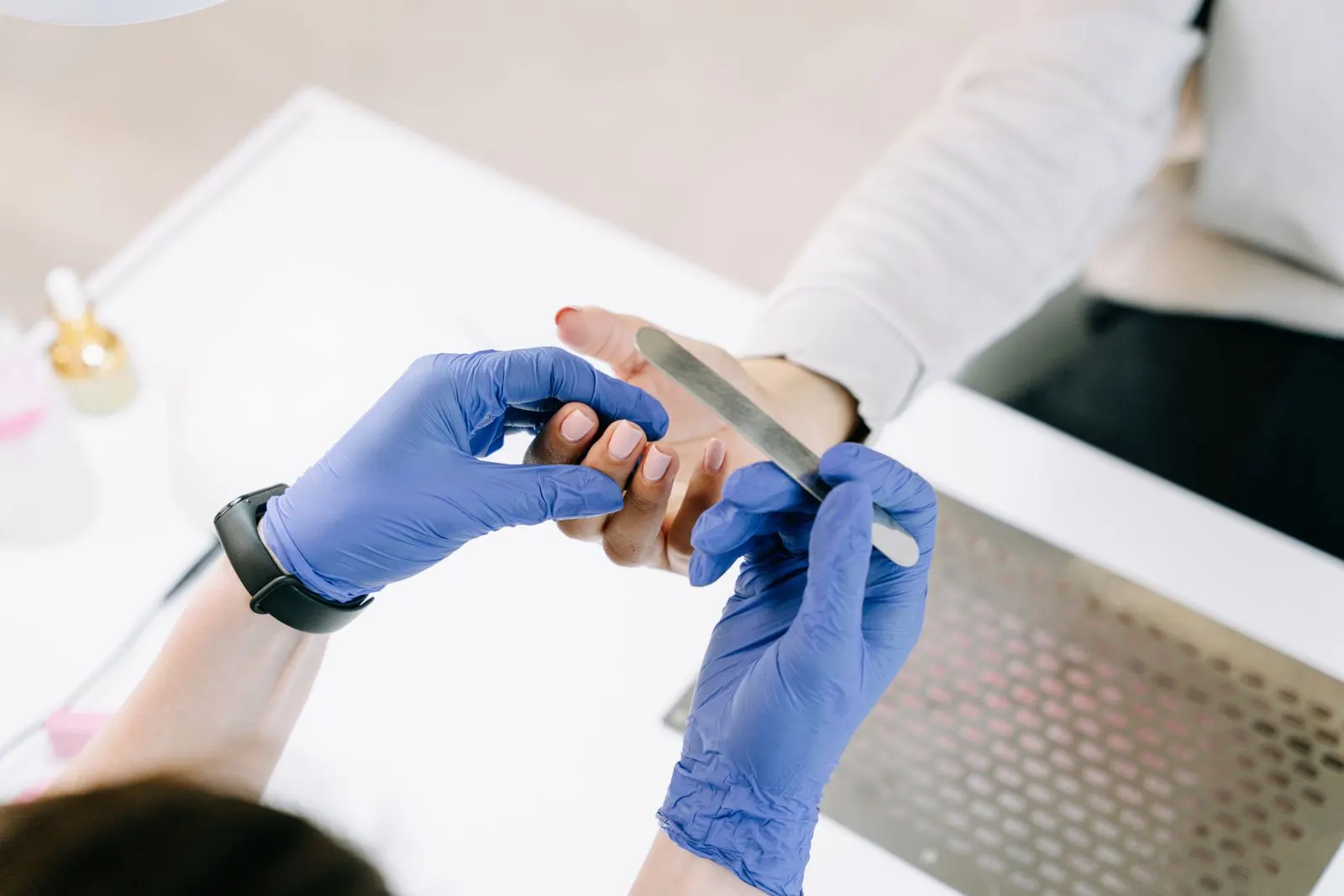
A missed appointment leaves time you may not be able to sell again. Tracking that time helps you decide whether to change your reminders, booking rules or cancellation process. Start with your own records rather than an industry average.
Count missed appointments consistently
Choose a period, such as last month. For this calculation, count attended appointments plus no-shows. Record advance cancellations and late cancellations separately, outside this denominator. Keep the same definition each month. Exclude test bookings and appointments you canceled yourself.
No-show rate = no-shows ÷ (attended appointments + no-shows) × 100. If the denominator is zero, report no rate for that period.
Use the same definitions each month. Otherwise a change in how you record cancellations can look like an improvement or decline in attendance.
Work through a monthly example
These are hypothetical figures, not an industry benchmark:
| Item | Amount |
|---|---|
| Attended appointments | 36 |
| No-shows | 4 |
| Total (40 attended appointments and no-shows combined) | 40 |
| Average service price | $55 |
| No-show rate | 10% |
| Missed service value | $220 |
| Refilled slots | [ ] |
| Payments received under policy | [ ] |
The no-show rate is 4 ÷ (36 + 4) × 100 = 10%. The service value of those appointments is 4 × $55 = $220. If the same pattern continued for 12 months, that would be $2,640 in missed service revenue.
If 6 of the same 40 appointments were no-shows, the rate would be 15%, with $330 in missed service value at $55 per appointment.
These amounts are not lost profit. You may avoid some material costs when a visit does not happen. You may also refill a slot or receive a payment under your agreed policy. Record those separately. Do not add the price of a client you turned away as a second loss for the same empty slot.
Make appointment details easy to check
DaySync sends clients a confirmation by email or WhatsApp, with reminders scheduled for 24 hours and 2 hours before the visit by default. This covers online bookings and appointments you add in the app. Last-minute bookings may miss an earlier reminder. SMS reminders are not available. See which DaySync bookings send email reminders and which channels are supported.
For clients who rarely check email or WhatsApp, agree another way to confirm important appointments. A reminder can help someone remember, but it does not guarantee attendance.
Give clients a clear way to cancel
Tell clients how to contact you and how much notice you request. For example: If you cannot attend, please contact me by [your cutoff] using [your contact method], so I can offer the appointment to someone else.
Explain any payment or cancellation terms before the booking. Booking deposits for online bookings are coming soon.
If a slot opens, contact regulars who have asked to hear about availability. Keep the message specific to the service and time available.
Review what changed
Track no-shows, late cancellations and refilled slots separately for the next month. With a small number of appointments, one missed visit can noticeably change the percentage, so look at several months before drawing conclusions.
Track each month: attended appointments; no-shows; late cancellations; advance cancellations; missed service value; recovered slot revenue; payments received under your policy.
Choose one change at a time. Clearer appointment details or an easier cancellation process may be more useful than a stricter policy. Your records will show where to focus.