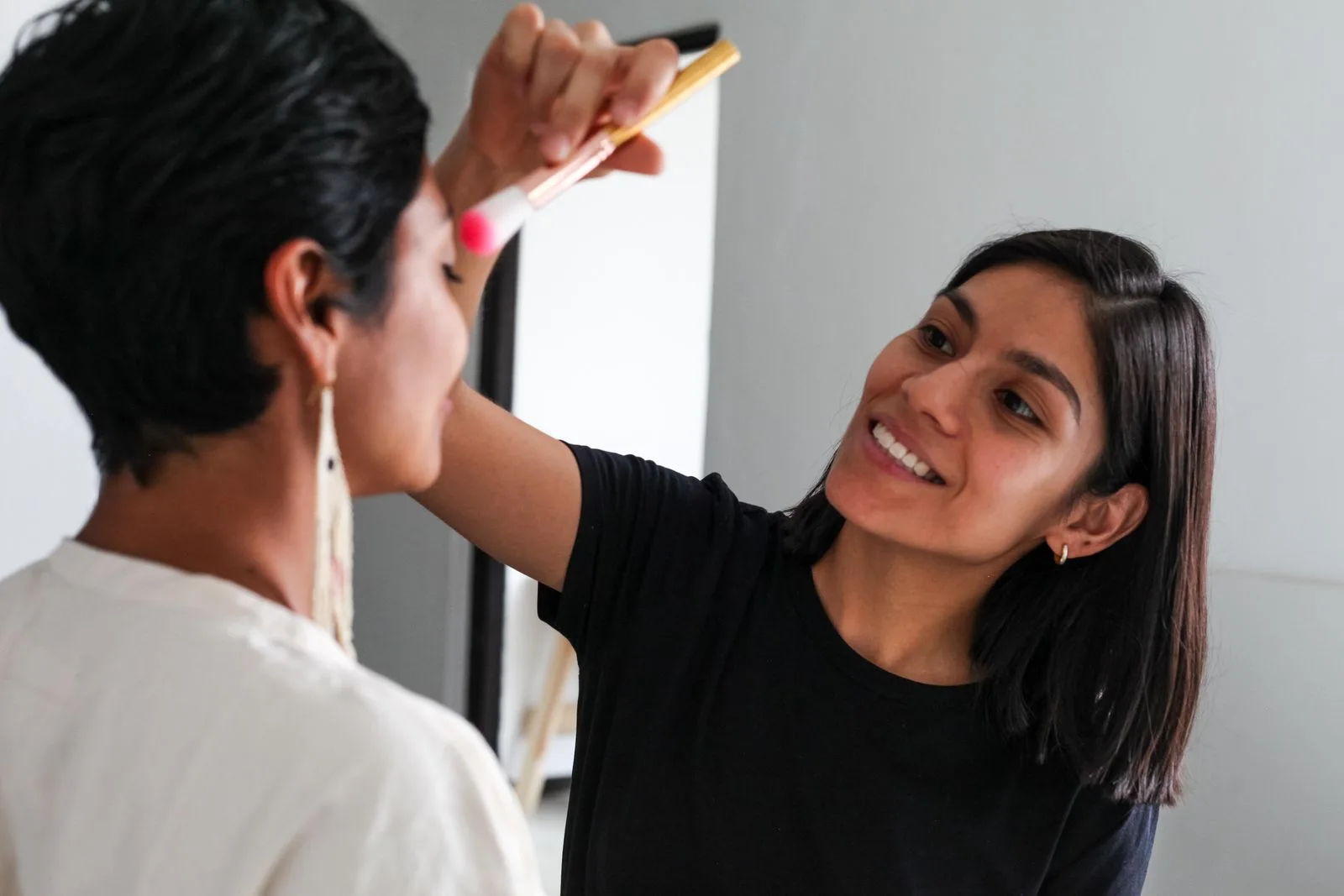
A makeup artist applies makeup to a client with a brush.

Online booking for independent beauty professionals.

Give clients a booking link they can open from your Instagram profile or messages. Your calendar and client records are in the same app.

Every treatment with its own length

Each service has its own length and price, so the Schedule holds the right time for each treatment. Tap a free slot to add an appointment.
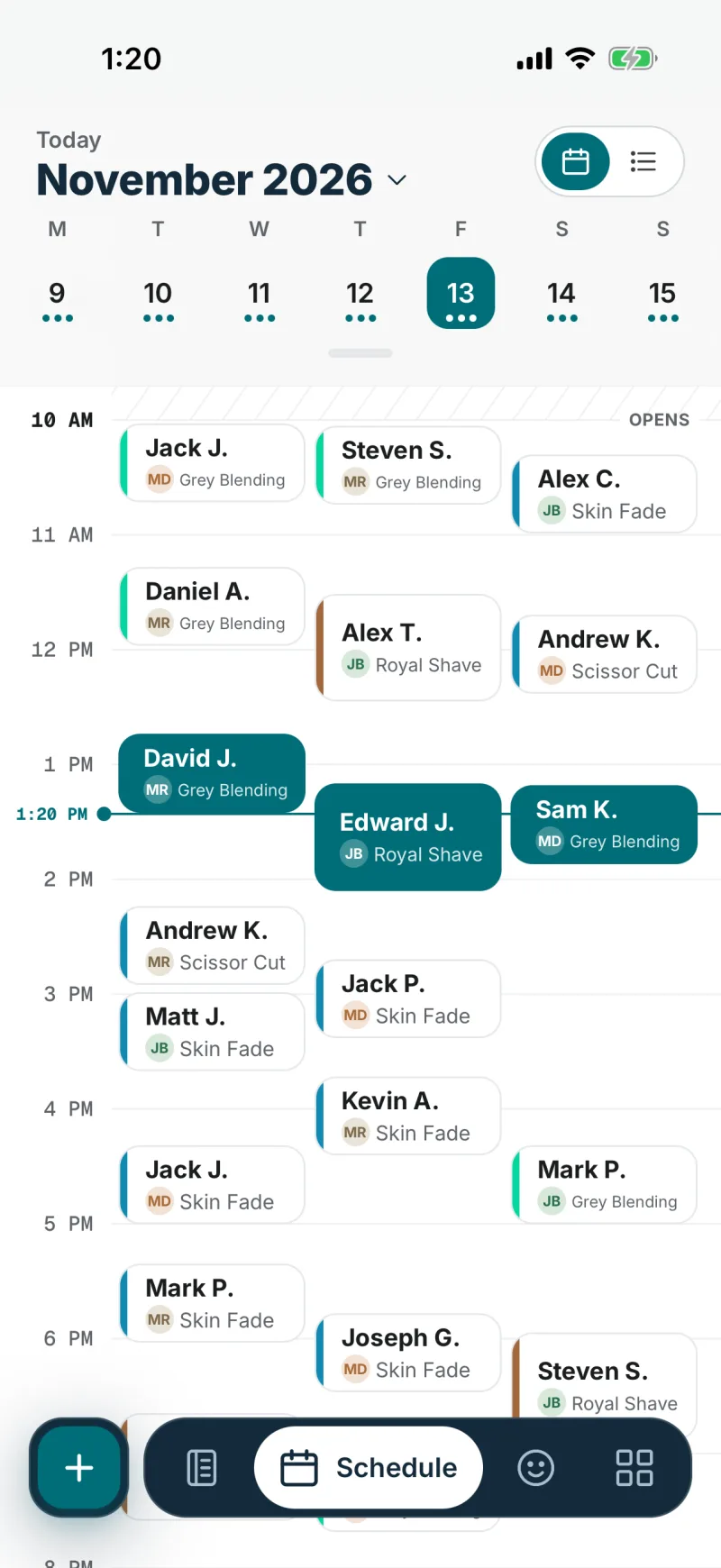
The Schedule in the DaySync app for Friday, November 13, in a demo barbershop: appointments from 10 AM to the evening, each with the client’s name, the team member’s initials and the service
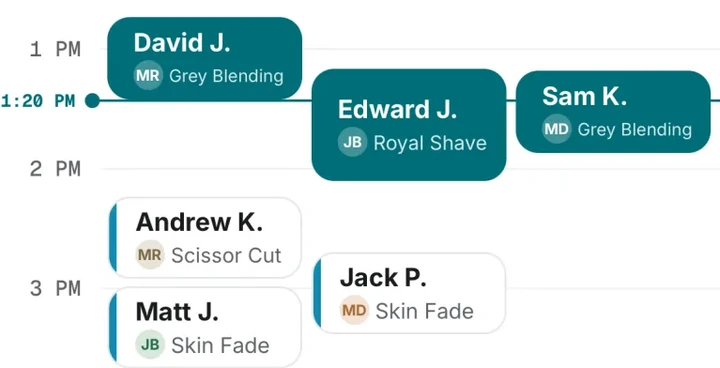
The part of the Schedule around 1:20 PM: three appointments in progress, each with the team member’s initials, and the next ones after 2 PM with the rest of the hour free

Keep each regular client’s preferences

The client record keeps your notes, work photos and appointment history together, and shows when the next appointment is due.
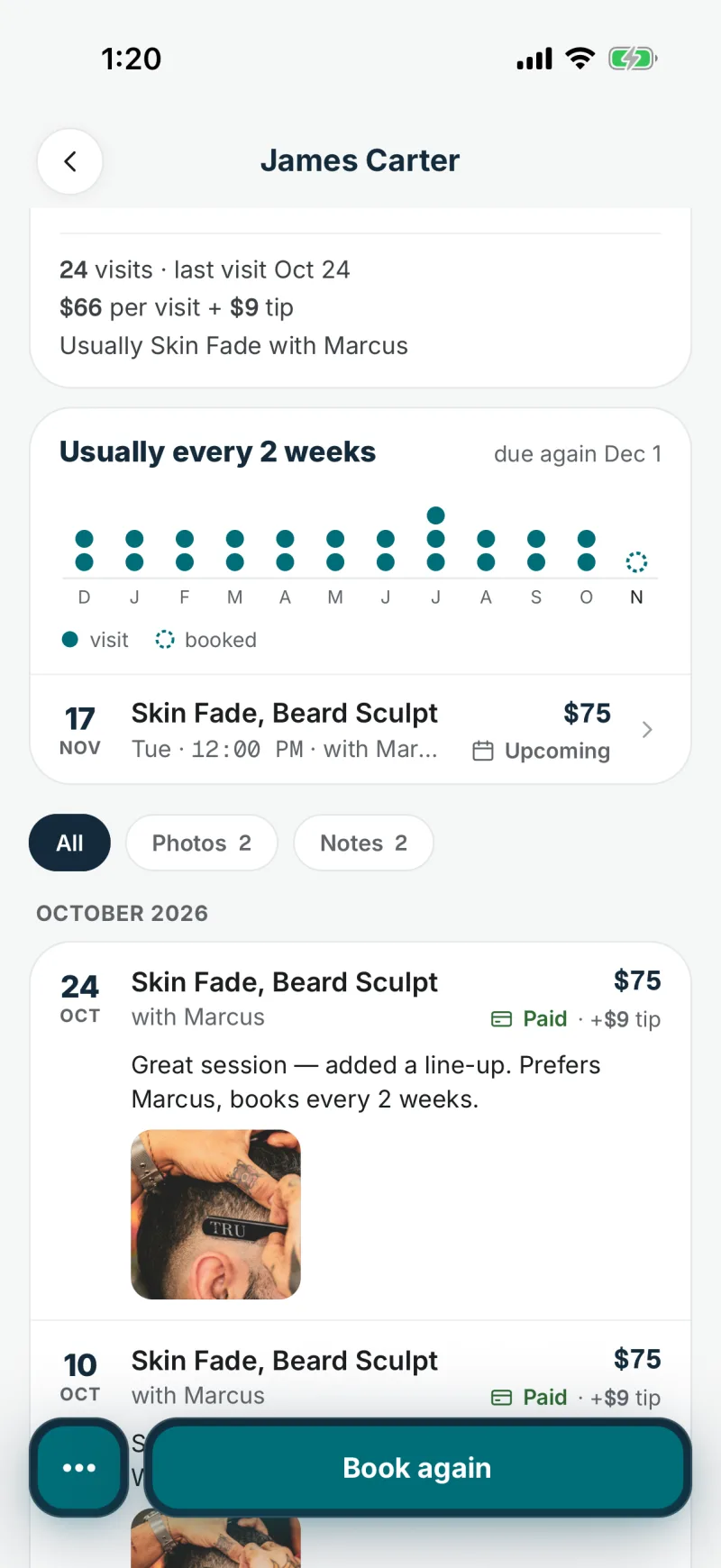
A client’s record in the DaySync app, in a demo barbershop: 24 visits, the last one on Oct 24, the visit history with notes and photos, and a Book again button
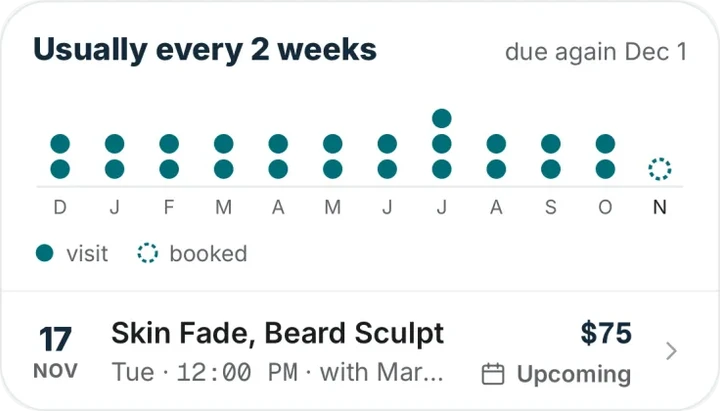
The card from the record: usually every 2 weeks, due again Dec 1. A dot for each visit, month by month, and the next appointment on Nov 17.

Send clients a reminder before each appointment

By default, reminders go out 24 hours and 2 hours before the appointment; you can choose up to two of 1, 2, 24 and 48 hours. Each goes on WhatsApp first, with email as backup. Clients also get a message when an appointment is booked, moved or canceled.

WhatsApp messages use credits: 1 or 2 per message, depending on your client’s country. You can buy credit packs on any plan.
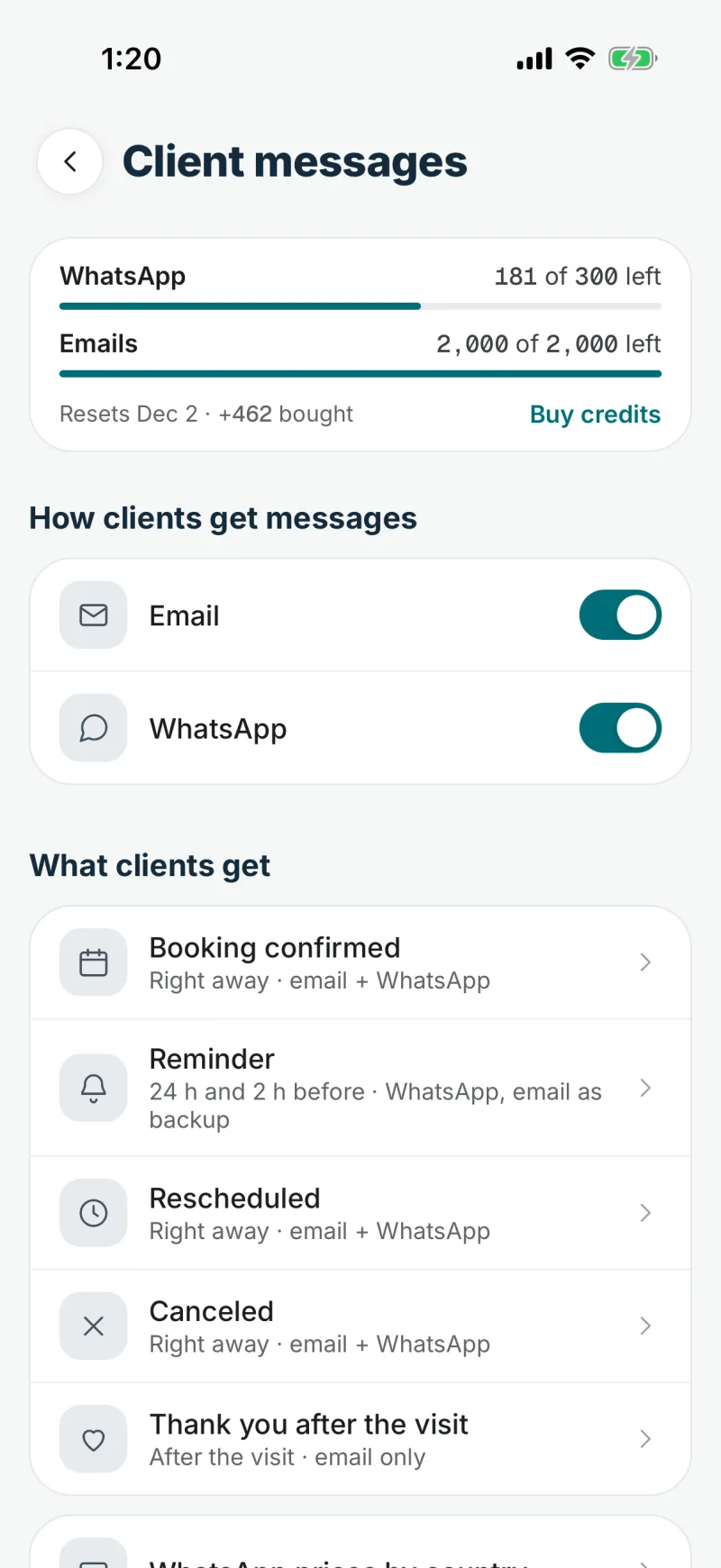
Client messages in the DaySync app: WhatsApp credits and emails left this month, Email and WhatsApp switched on, and the messages clients get: booking confirmed, reminder, rescheduled, canceled and a thank-you after the visit
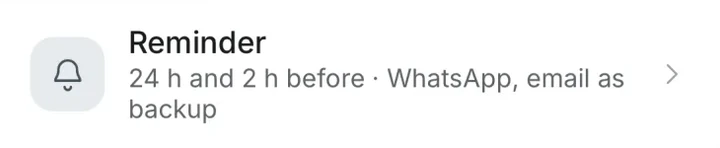
The row from the list: Reminder, 24 h and 2 h before, by WhatsApp with email as backup

Clients book from your Instagram bio

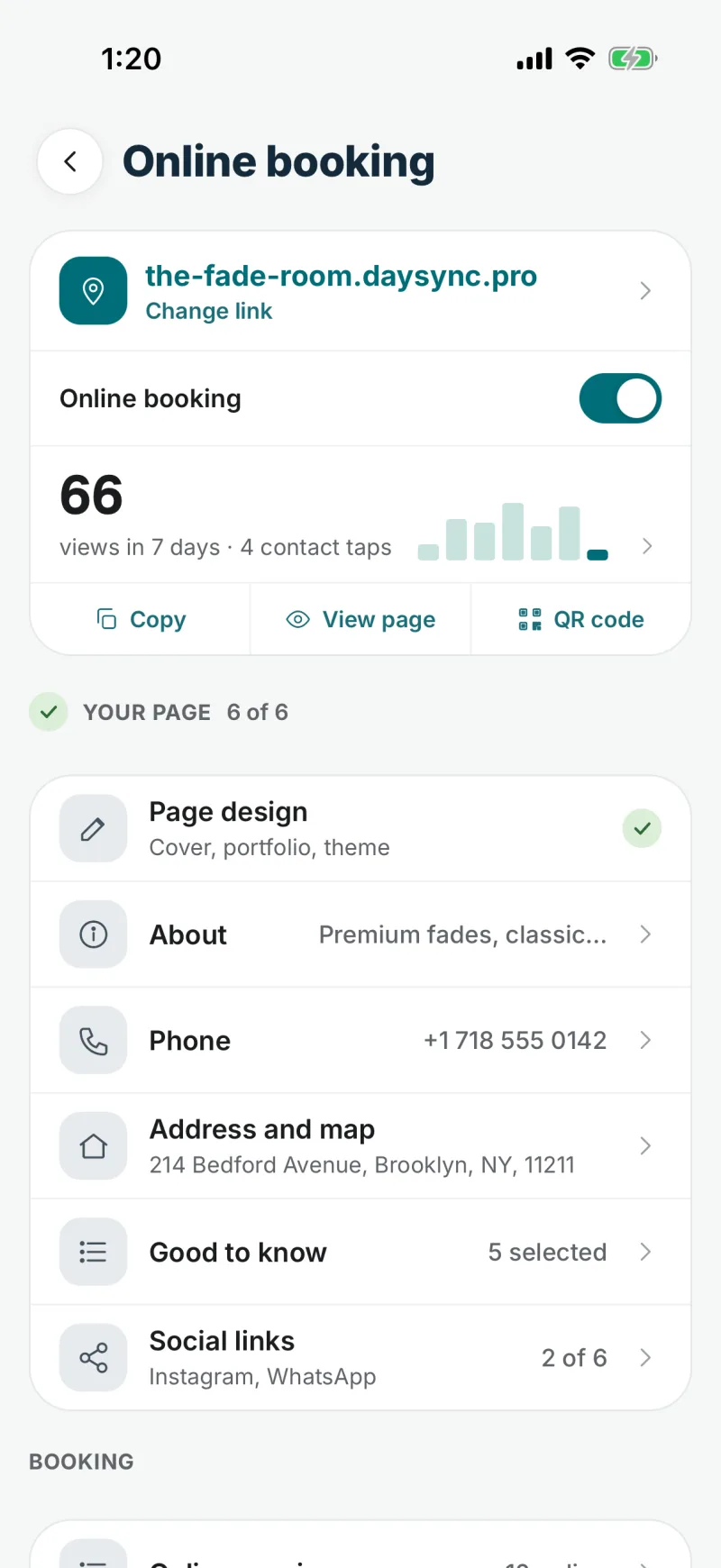
Put your booking link in your Instagram bio or send it in a message. Clients book in their browser with their name and phone number, with no app to download.

How online booking works
A makeup artist and her client in a bright studio.
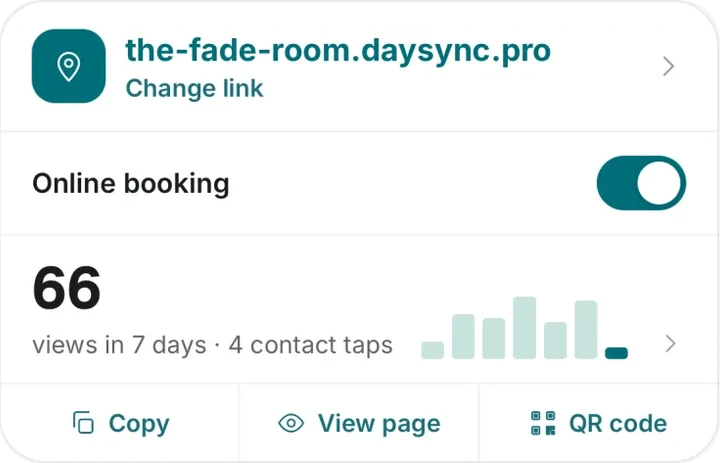
Online booking in the DaySync app: the booking link, an on and off switch, page views, and the parts of the booking page: design, about, phone, address and map, social links
The card from the screen: the-fade-room.daysync.pro, online booking switched on, 66 views in 7 days, and the buttons Copy, View page and QR code

See the whole week on a computer

Open web.daysync.io in a browser and log in with the same account. The week view shows everyone’s appointments, or only yours.
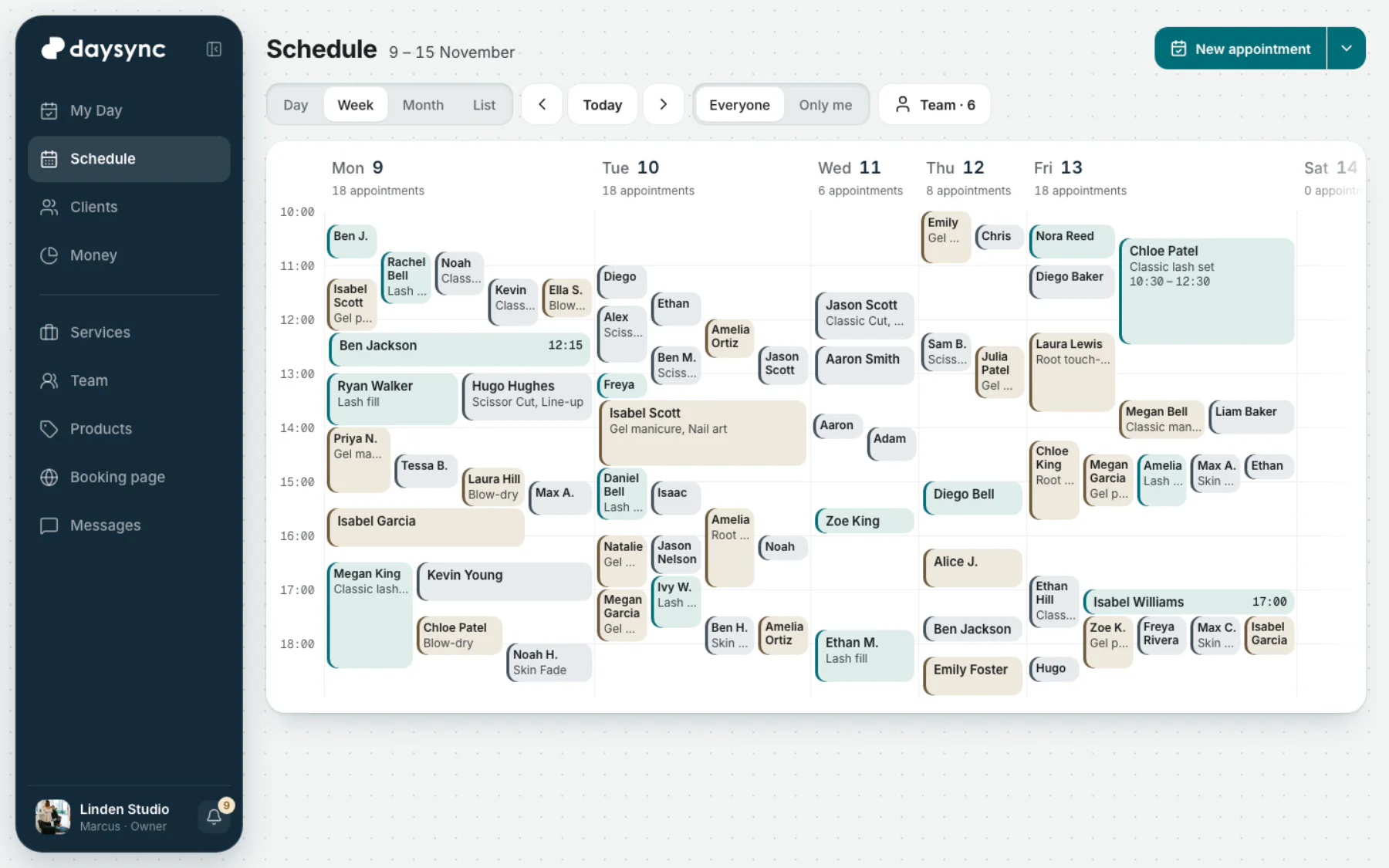
DaySync web app, Schedule, the week of 9 to 15 November in a demo salon: each day’s appointments in columns, with buttons for Day, Week, Month and List, Everyone or Only me, and New appointment
The web app, shown with a demo salon’s week.
View full size
The web app, shown with a demo salon’s week.
DaySync web app, Schedule, the week of 9 to 15 November in a demo salon: each day’s appointments in columns, with buttons for Day, Week, Month and List, Everyone or Only me, and New appointment

Questions from beauty pros

Compare plans

Is DaySync free for a solo beauty pro?

Yes. Free covers up to 2 people, including the owner, with online booking, the calendar and client records. No credit card required for the Free plan.

Can I keep a regular’s preferences?

Yes. The client record keeps your notes, work photos and appointment history together.

What happens with a last-minute cancellation?

The time becomes available to book again on your booking page. Reminders go to your clients by WhatsApp or email 24 hours and 2 hours before the appointment by default.

Get DaySync for your beauty studio