
Online booking and scheduling for hair salons.
Give every cut, color and consultation its time, with formula notes on each client’s record and a shared calendar for the team.
Long color and quick trims on one calendar
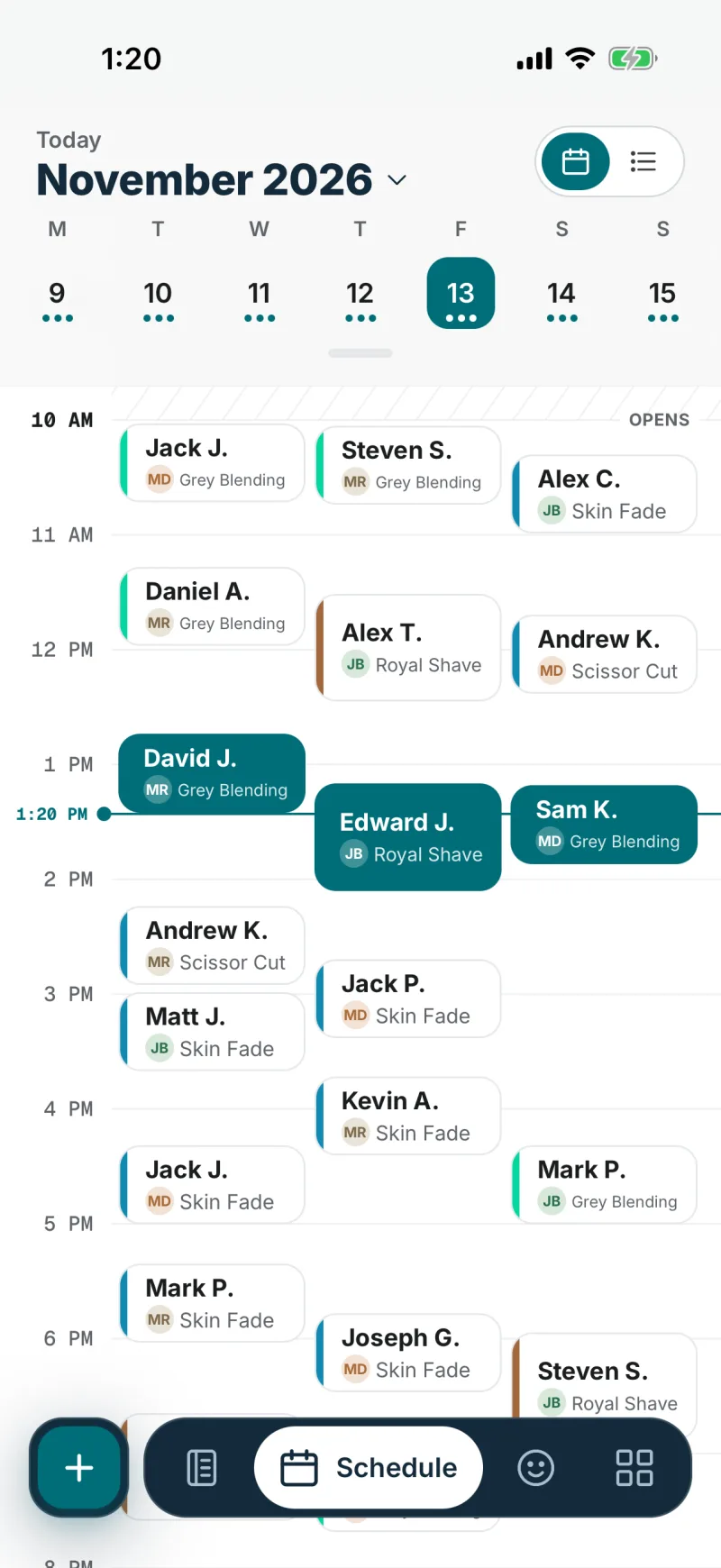
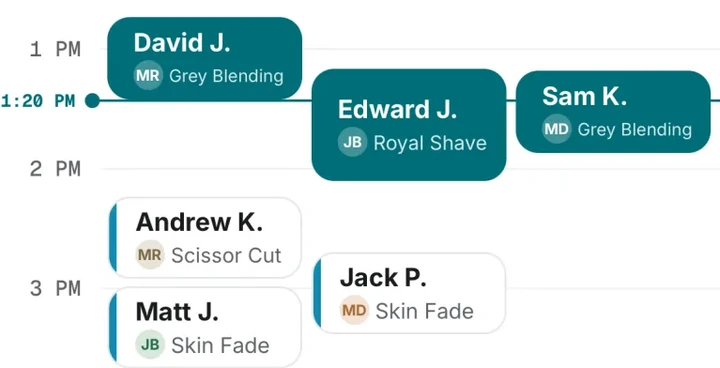
Each service has its own length, so a long color appointment and a short trim each hold the right time on the Schedule. A line marks the time now; tap a free slot to add an appointment.
Formula notes on each client’s record
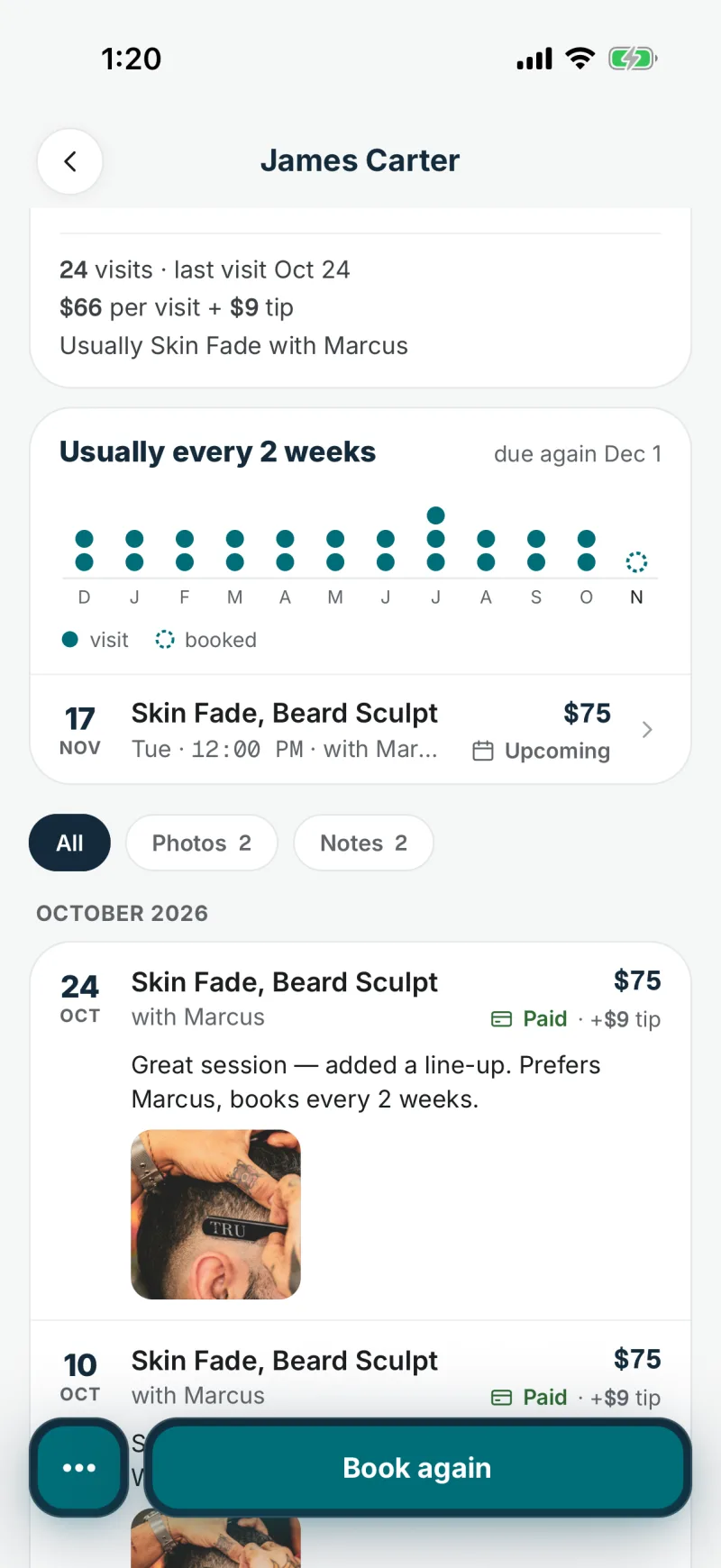
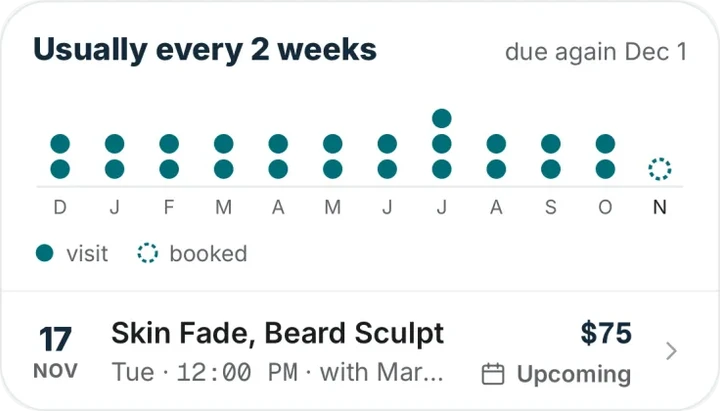
Write the color formula and what the client likes on their record. The record shows how often they come in and when their next appointment is due; Book again copies the client, the stylist and the services.
Send clients a reminder before each appointment
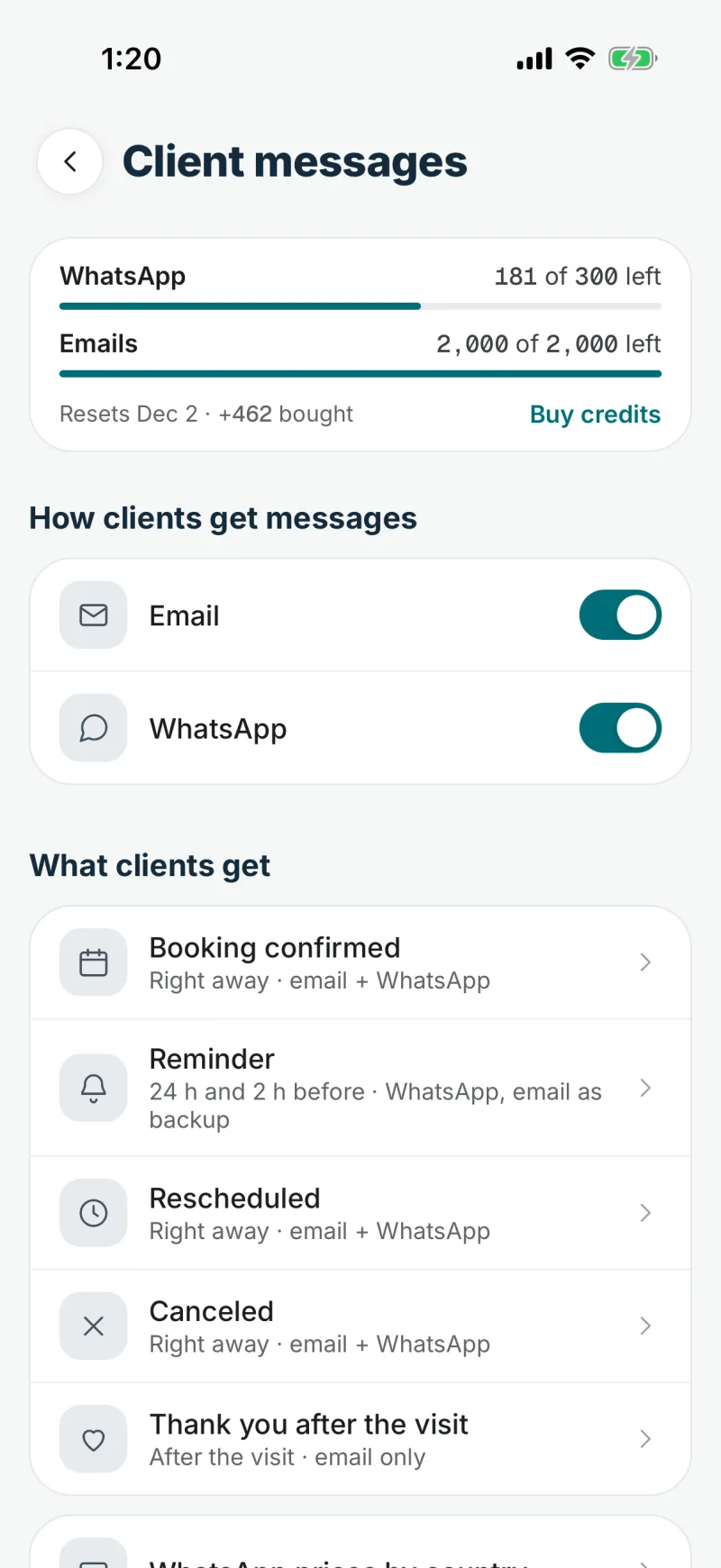
By default, reminders go out 24 hours and 2 hours before the appointment; you can choose up to two of 1, 2, 24 and 48 hours. Each goes on WhatsApp first, with email as backup. Clients also get a message when an appointment is booked, moved or canceled.
WhatsApp messages use credits: 1 or 2 per message, depending on your client’s country. You can buy credit packs on any plan.

Clients book their stylist online
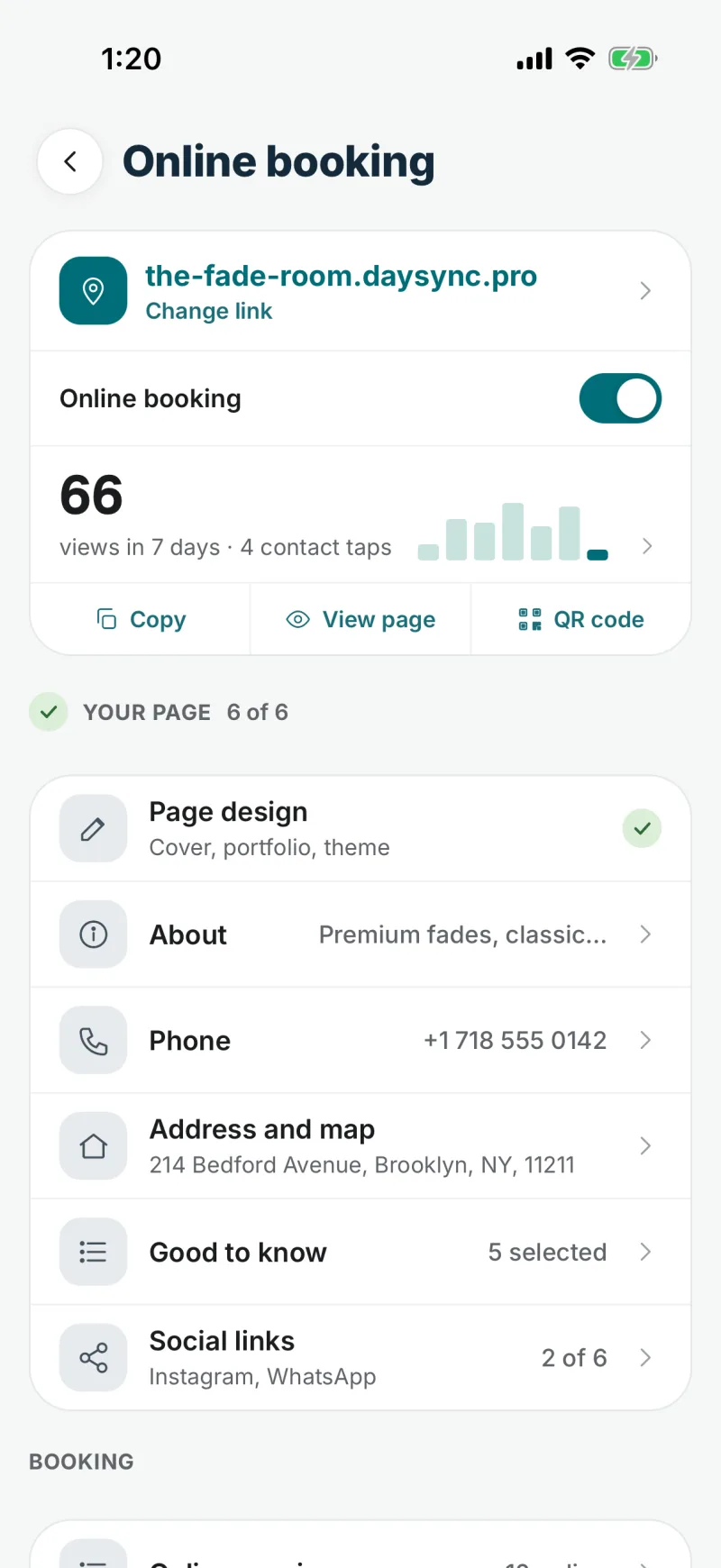
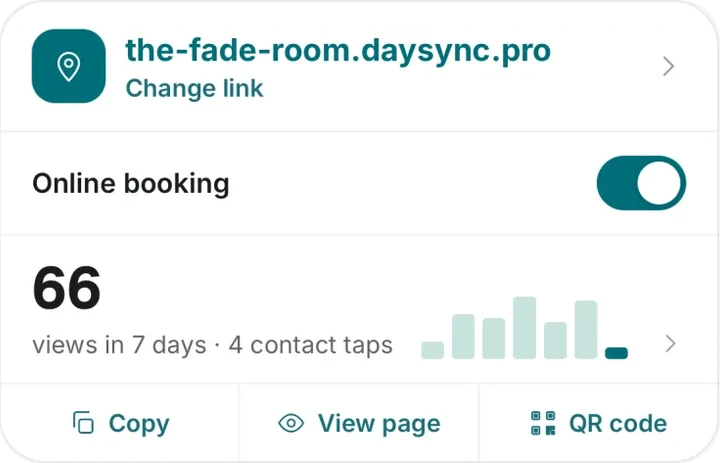
Your salon gets its own booking link. Clients pick the service, the stylist and a free time, and enter their name and phone number, with no app or account.
How online booking works
See the whole week on a computer
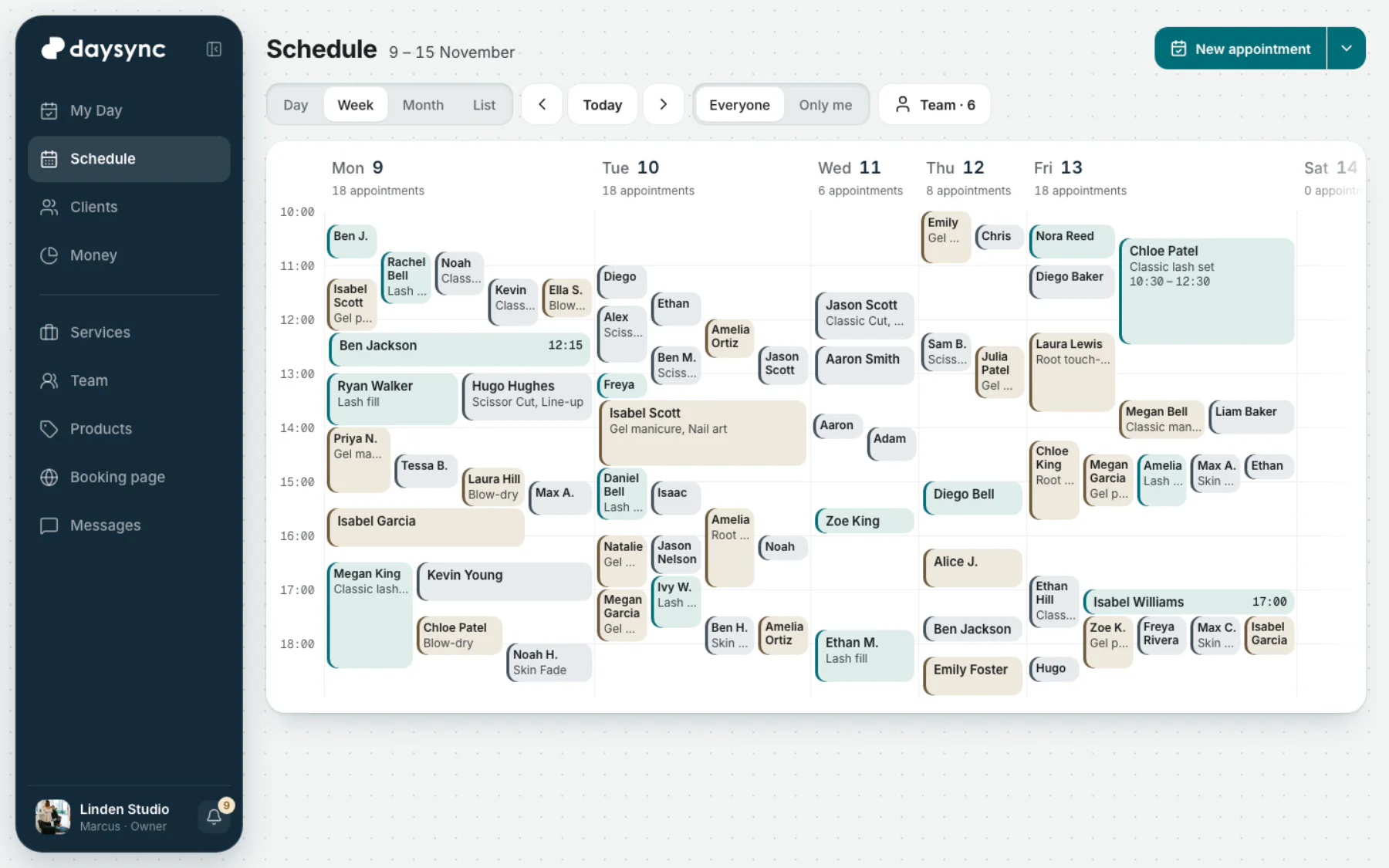
Open web.daysync.io in a browser and log in with the same account. The week view shows everyone’s appointments, or only yours.
Questions from hair stylists
Compare plansCan I use DaySync as a self-employed hair stylist?
Yes. Free covers up to 2 people, including the owner, with online booking, the calendar and client records. No credit card required for the Free plan.
Can I split commission between stylists?
Yes. Give each stylist a commission percentage or a salary, and DaySync calculates their pay from completed work, plus tips. You pay stylists your usual way and record the payment in the app.
Which plan fits a salon team?
Pro covers up to 5 people, including the owner, for $12/month. Business covers unlimited people for $25/month.