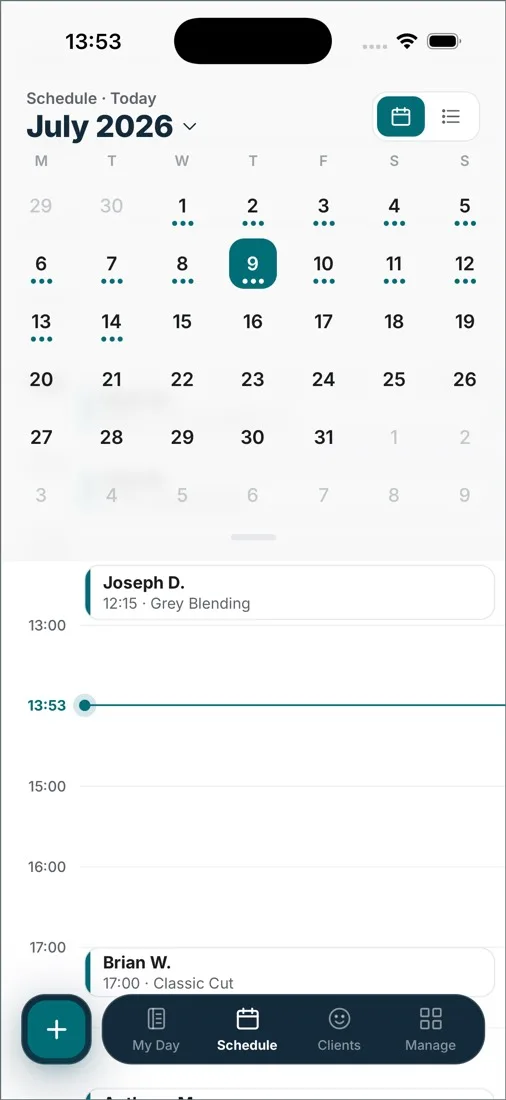
Schedule
Every artist’s day on one calendar.
Give a consultation and a long session their own length and price, and see every artist’s day on one calendar.
 Tattoo studios
Arrange consultations and longer tattoo sessions around each artist’s hours. Keep references and progress notes with the client, ready for the next visit.
Schedule
Give a consultation and a long session their own length and price, and see every artist’s day on one calendar.
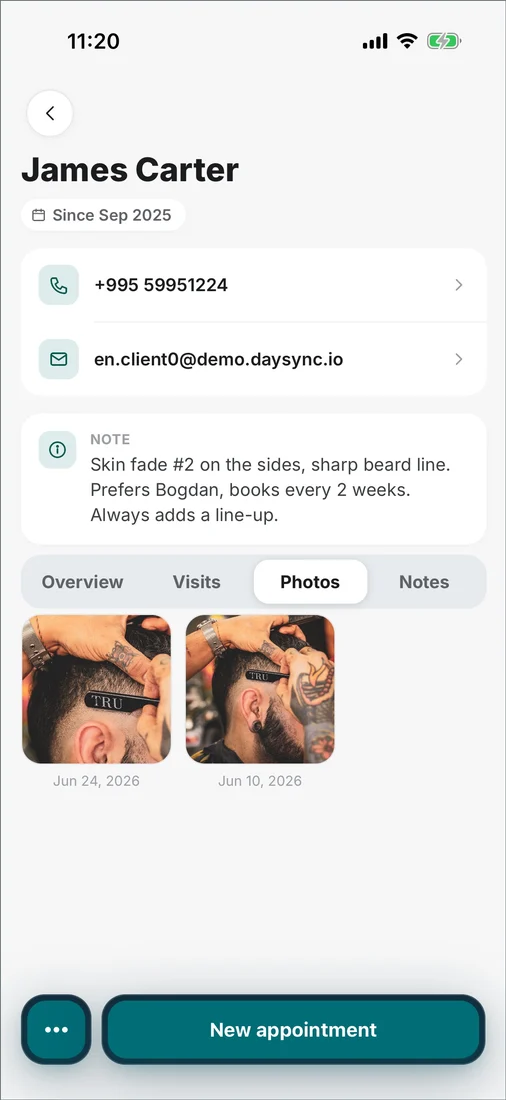
Clients
Keep reference images, progress photos and notes on the client’s record, so the next session starts with the history in front of you.
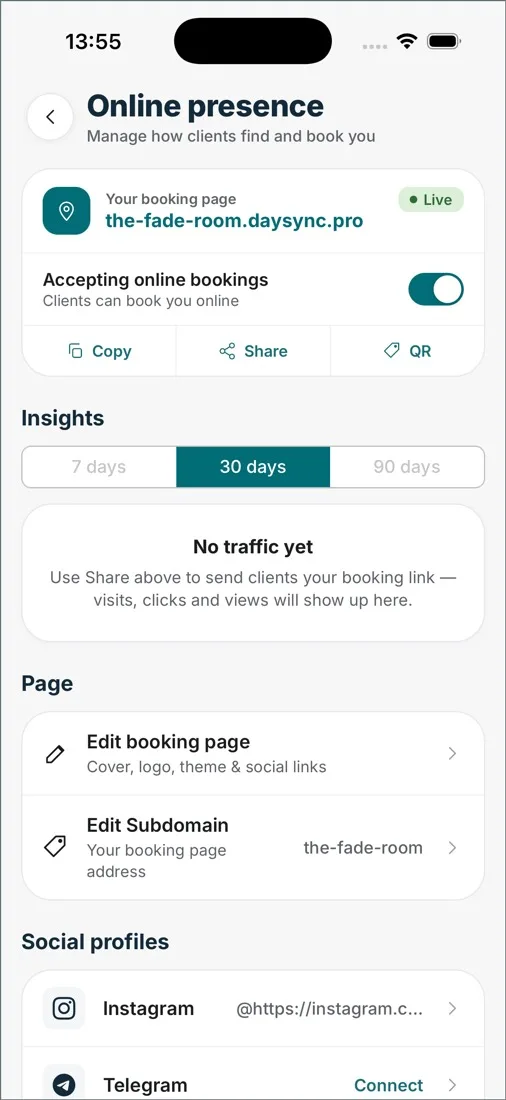
Online booking
Clients choose a consultation and a free time from your booking page, day or night. Choose Manual review in Booking settings to approve each request yourself.
Set up the consultation and the session as separate services, each with its own length and price, from a 30-minute consultation to a full day in the chair. Each artist keeps their own hours and services on the shared calendar.
Add more people and business tools when you need them.
Free for up to 2 people, including the owner, with up to 5 services on your booking page. No credit card required for the Free plan.