Online booking and scheduling for spas.

Plan treatment lengths, therapist availability and time between appointments. Keep guest preferences with their visit history.

free to start, no card · quiet by design · also runs in the browser

Rolled white towels, a burning oil warmer and vases on a dark spa shelf

Leave time to prepare between treatments.

Ninety minutes means ninety minutes.

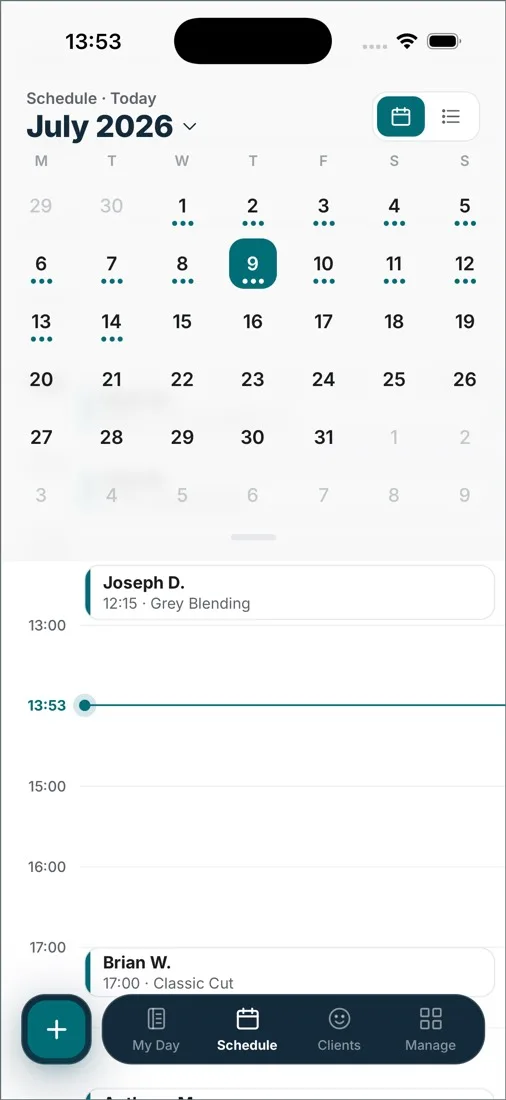
Set treatment durations and review each therapist’s appointments in the shared calendar. Leave enough time for preparation between guests.

Schedule — the whole page

MONDAY · THE BOOK
Tanya · Deep Tissue10:0090m
Dan · Signature Facial10:3060m
Ana · Hot Stone12:4590m

Turnover without the rush.

Set a buffer between online bookings once, and every booking from your page arrives with breathing room after it — the room resets before the next guest, not during. Regulars can auto-confirm while new guests wait for your nod.

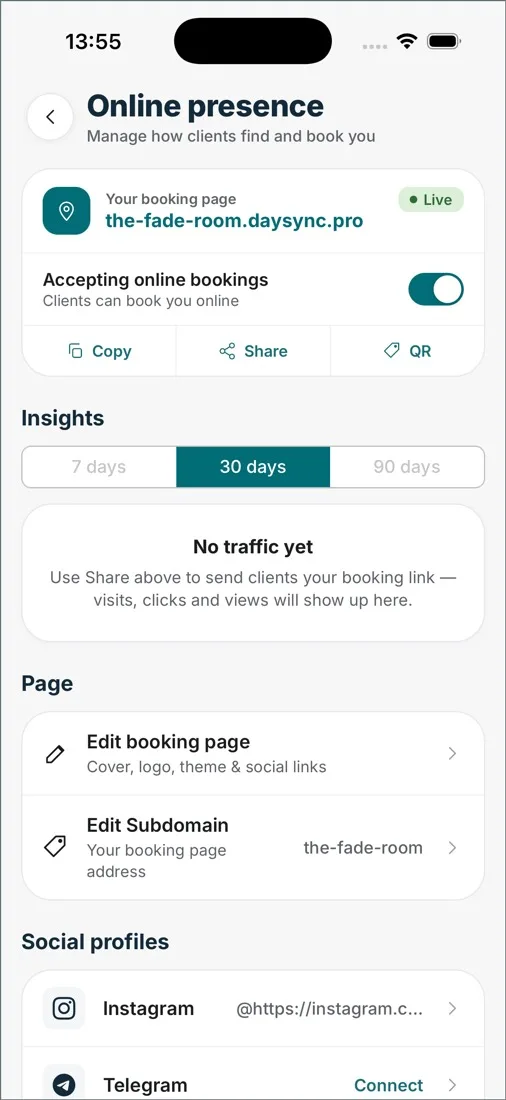
Online booking — the whole page

Buffer between bookings15 minutes
Slot interval30 minutes
Auto-approve returning guestsnew guests reviewed by hand

A calm day still adds up.

Revenue counts through the day per therapist, and the week reads off one screen on Sunday. The front desk closes the shift while the last room finishes.

Business report — the whole page

MONDAY · CLOSED
Tanya · 5 sessions470.00
Kate · 3 sessions310.00
Takings · 8 treatments780.00 USD

Use treatment durations and online-booking buffers to plan preparation time.

Include preparation time in the schedule.

Review each therapist’s appointments alongside service durations. Use online-booking buffers to leave time for preparation between treatments.

A therapist giving a back massage in a calm spa room

In short.

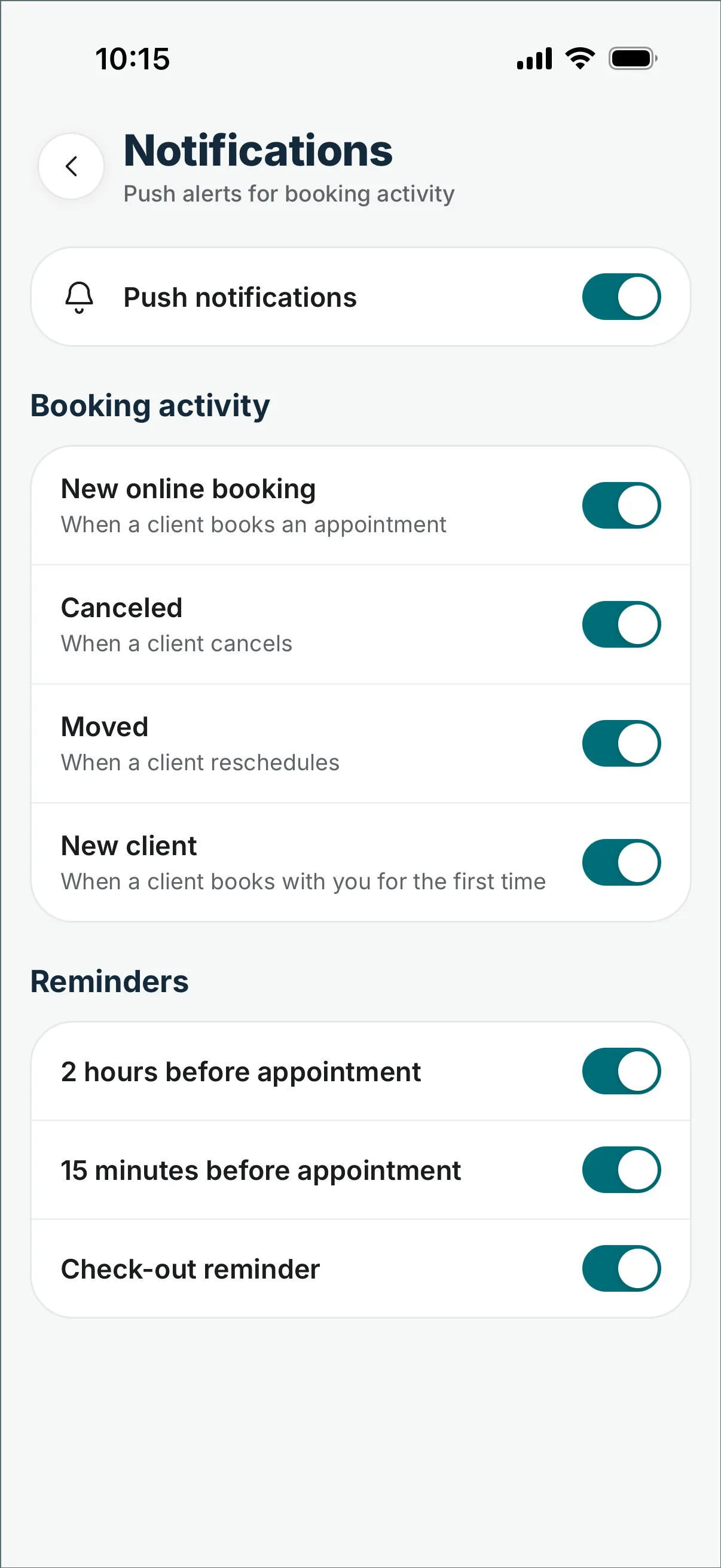
Set treatment durations and buffers for online bookings. Clients who book online get an email confirmation, then reminders 24 hours and 2 hours before the visit. Pro adds a shared calendar so you can review therapist schedules together. Guest records hold notes and previous visits; your own booking settings determine how new appointments are approved.
Before you switch.

Does DaySync protect turnover time?
Yes: set a buffer between online bookings once (up to 60 minutes) and every booking from your page arrives with room after it.
Can I see every therapist's day at once?
Yes, in Pro. Use the shared calendar to review appointments and working hours across the team. Each team member’s access depends on their role.
Is it free to start?
Yes: booking page, calendar, guest history and revenue for one person, no card. Pro is a flat $25/month as the team grows.
Can guests book without calling?
Yes. Guests choose a treatment and available time on your booking page, then enter their contact details. Your approval settings determine whether you need to confirm the booking.
What about a late cancellation?
The slot goes back on sale on your booking page right away. Clients who booked online were reminded 24 hours and 2 hours before, which catches most changes earlier.

Plan treatments with time between them.

In your pocket

Check appointments and client records in the iOS or Android app.

Also in the browser

The desk view when you need it. Nothing to install.

 web.daysync.io →

free to start, no card · Pro is a flat $25/month when a second team member joins