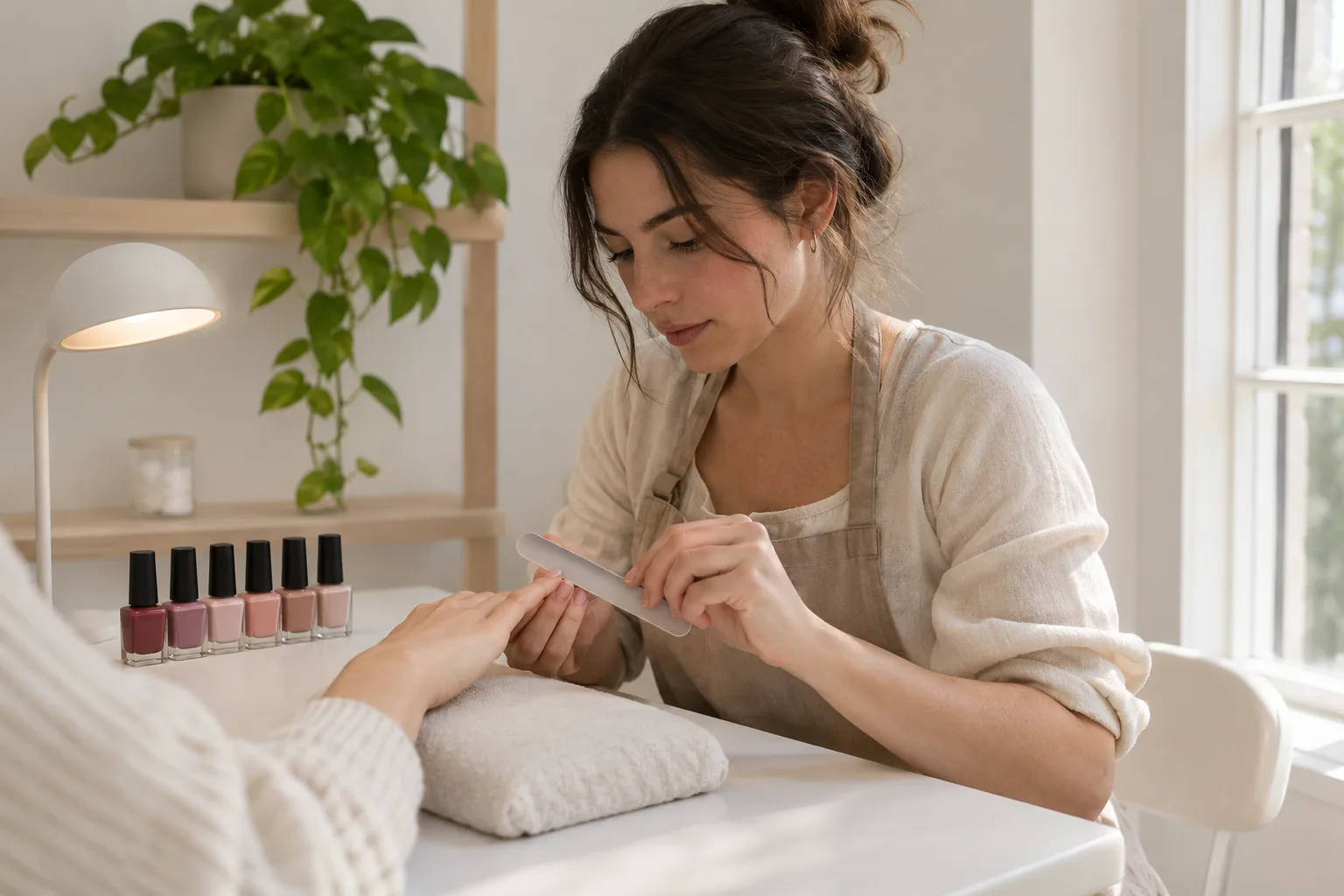
Online booking for nail and lash studios.
Give full sets, lash fills and removals their own appointment lengths, with shade, shape and design notes on each client.
Full sets, fills and removals, each with its own time
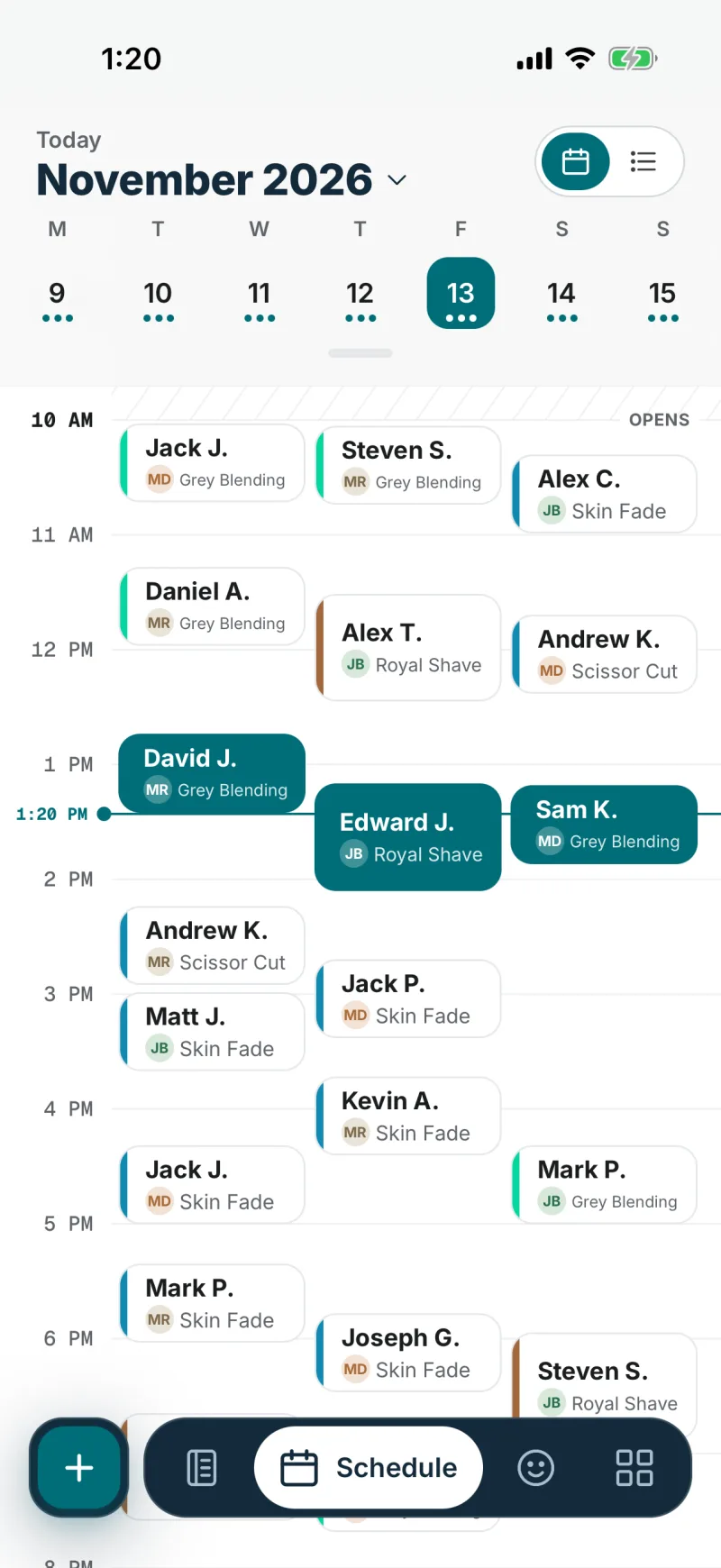
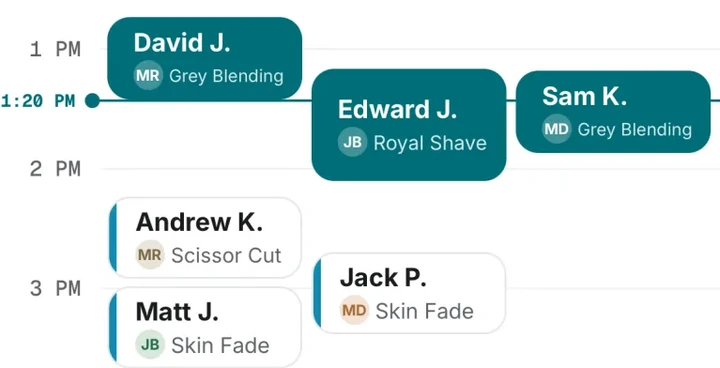
A new lash set can take two hours, a lash fill an hour and a gel manicure 45 minutes. Each service holds its own time on the Schedule.
Shade, shape and design notes
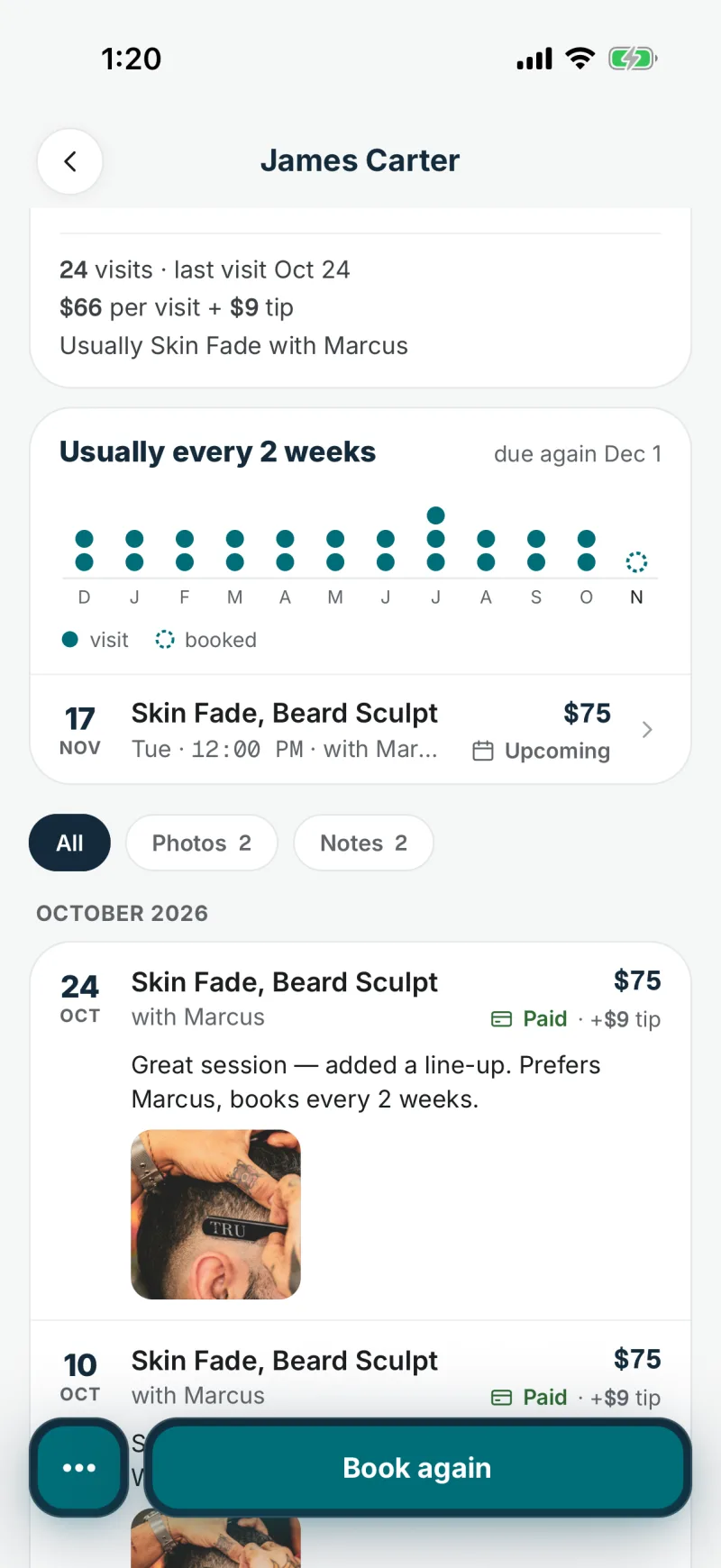
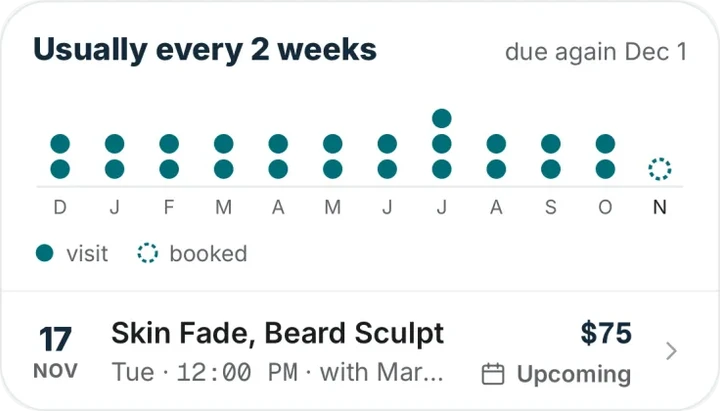
Keep the shade, shape and design on the client’s record, so you have the details at the next appointment. The record shows when the next fill is due.
Send clients a reminder before each appointment
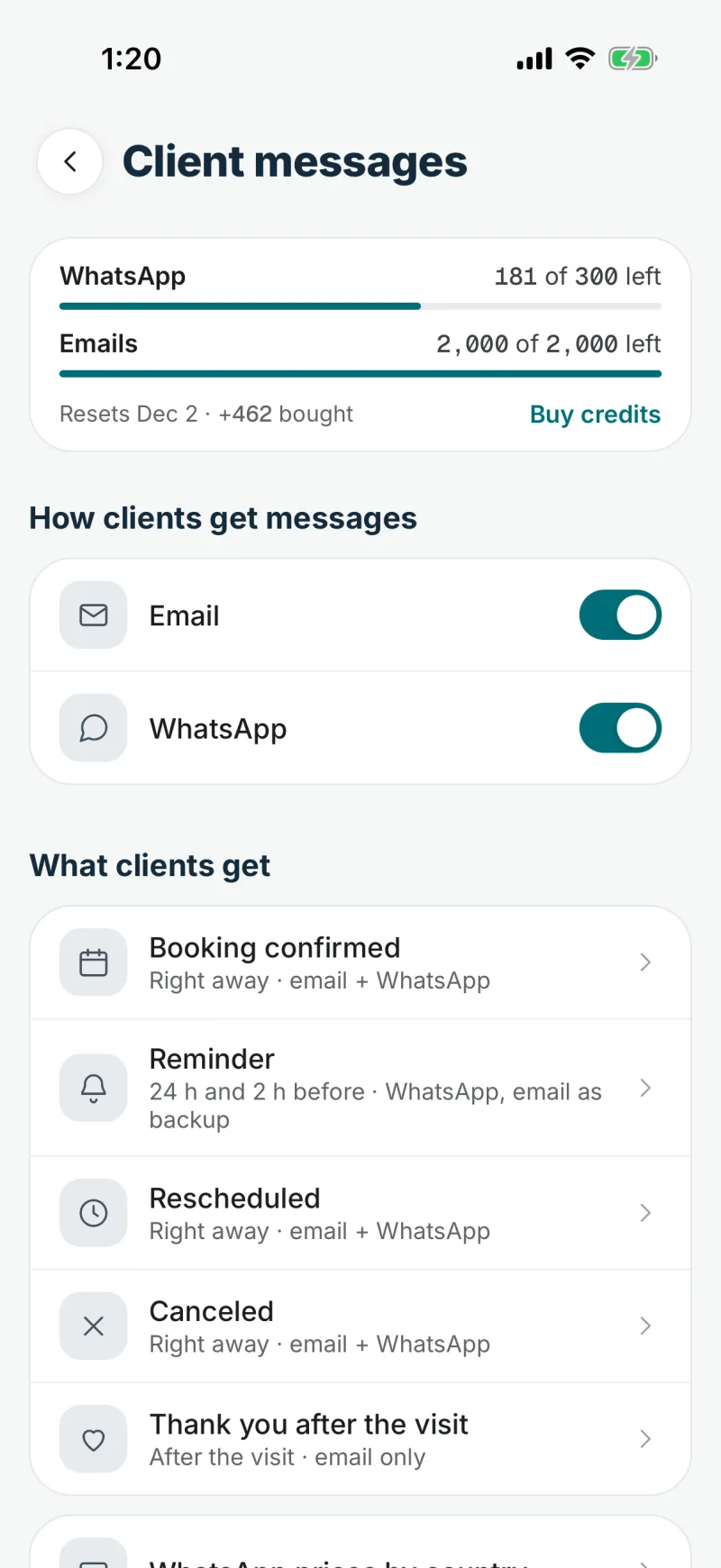
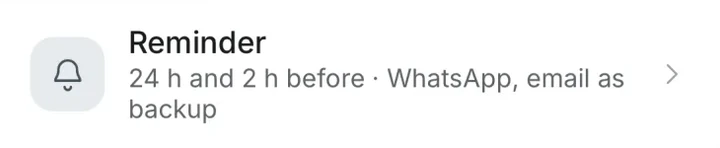
By default, reminders go out 24 hours and 2 hours before the appointment; you can choose up to two of 1, 2, 24 and 48 hours. Each goes on WhatsApp first, with email as backup. Clients also get a message when an appointment is booked, moved or canceled.
WhatsApp messages use credits: 1 or 2 per message, depending on your client’s country. You can buy credit packs on any plan.
Clients pick the right appointment online
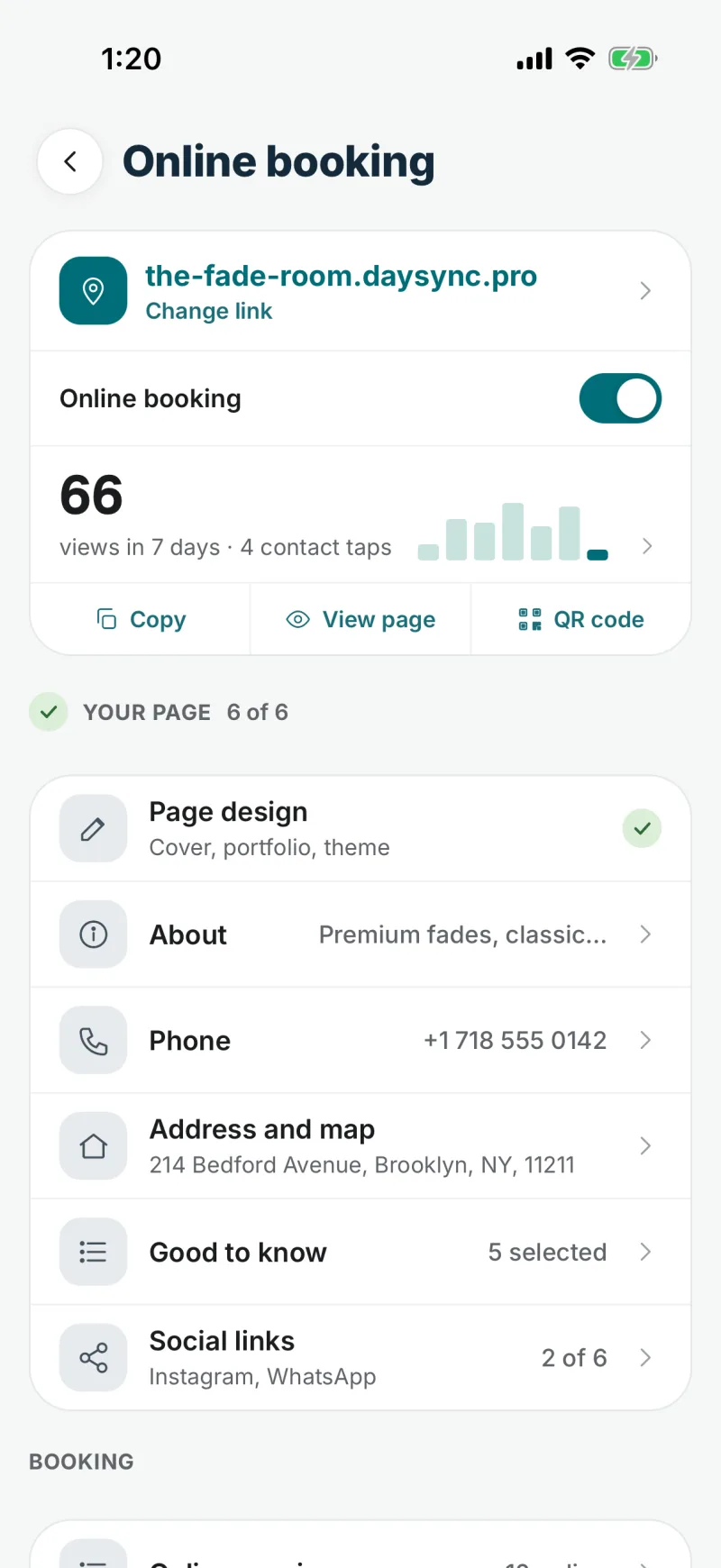
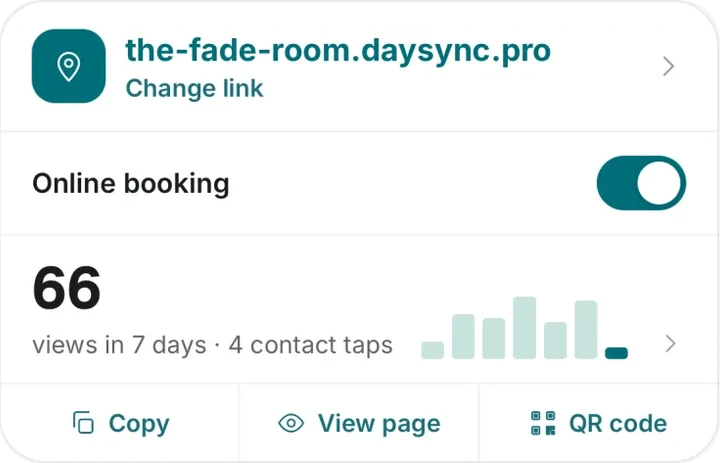
Your booking link shows each service with its length and price. Clients pick one and a free time, and enter their name and phone number, with no app or account.
How online booking works
See the whole week on a computer
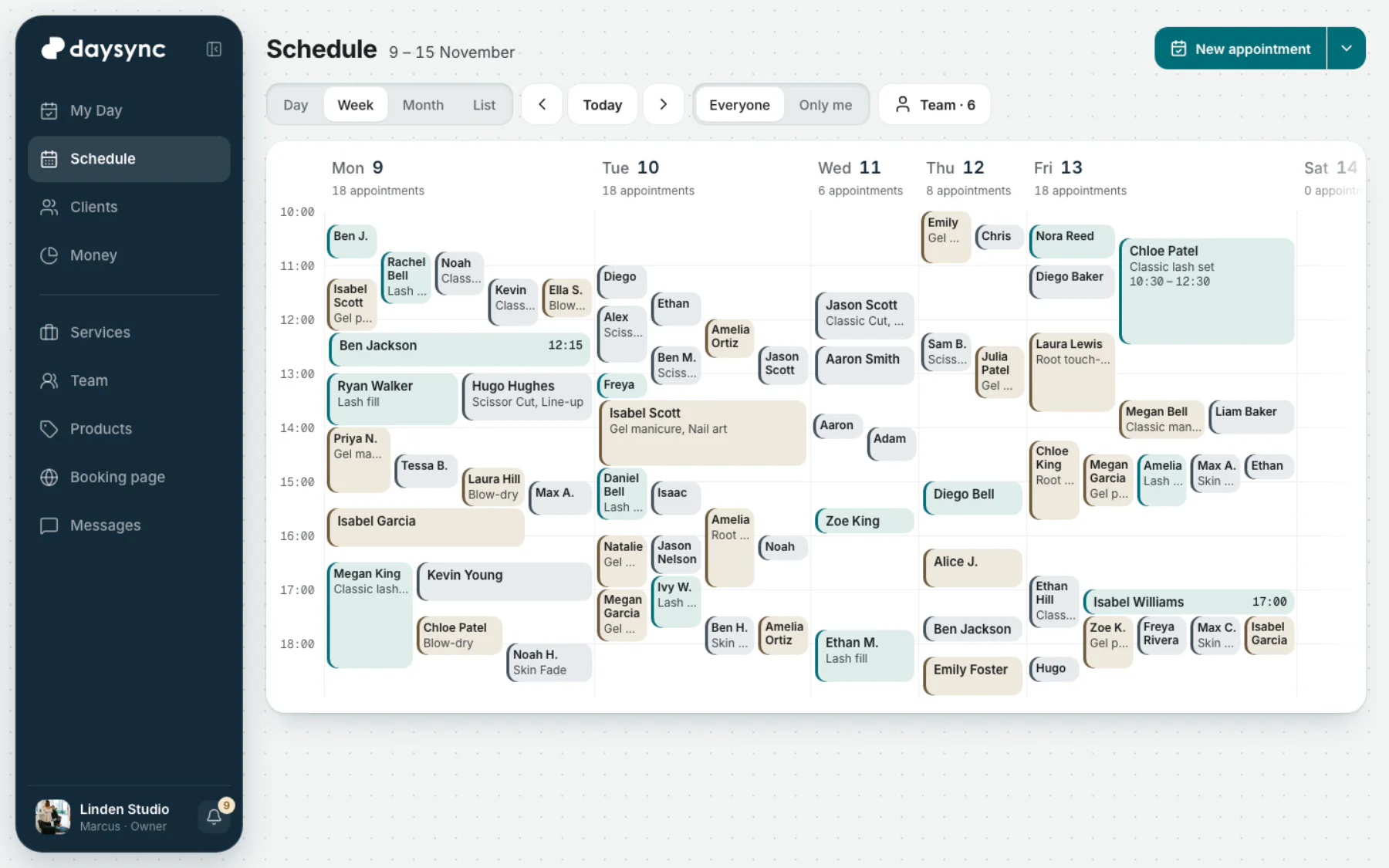
Open web.daysync.io in a browser and log in with the same account. The week view shows everyone’s appointments, or only yours.
Questions from nail techs and lash artists
Compare plansCan I give lash fills and full sets different appointment lengths?
Yes. Create separate services with their own prices and durations, so clients can choose the right appointment.
Is DaySync free for a solo nail tech?
Yes. Free covers up to 2 people, including the owner, with online booking, the calendar and client records. No credit card required for the Free plan.
Do clients need to download anything?
No. Clients use your booking page in a browser and provide their name and phone number. Depending on your settings, a verification code may be required.