Online booking for barbershops and walk-ins.
Let regulars book ahead and find free slots for walk-ins. Check each barber’s schedule and keep a record of the client’s usual cut.
free to start, no card · also runs in the browser

Fit walk-ins around the appointments already booked.
Six fades booked themselves while the shop slept.
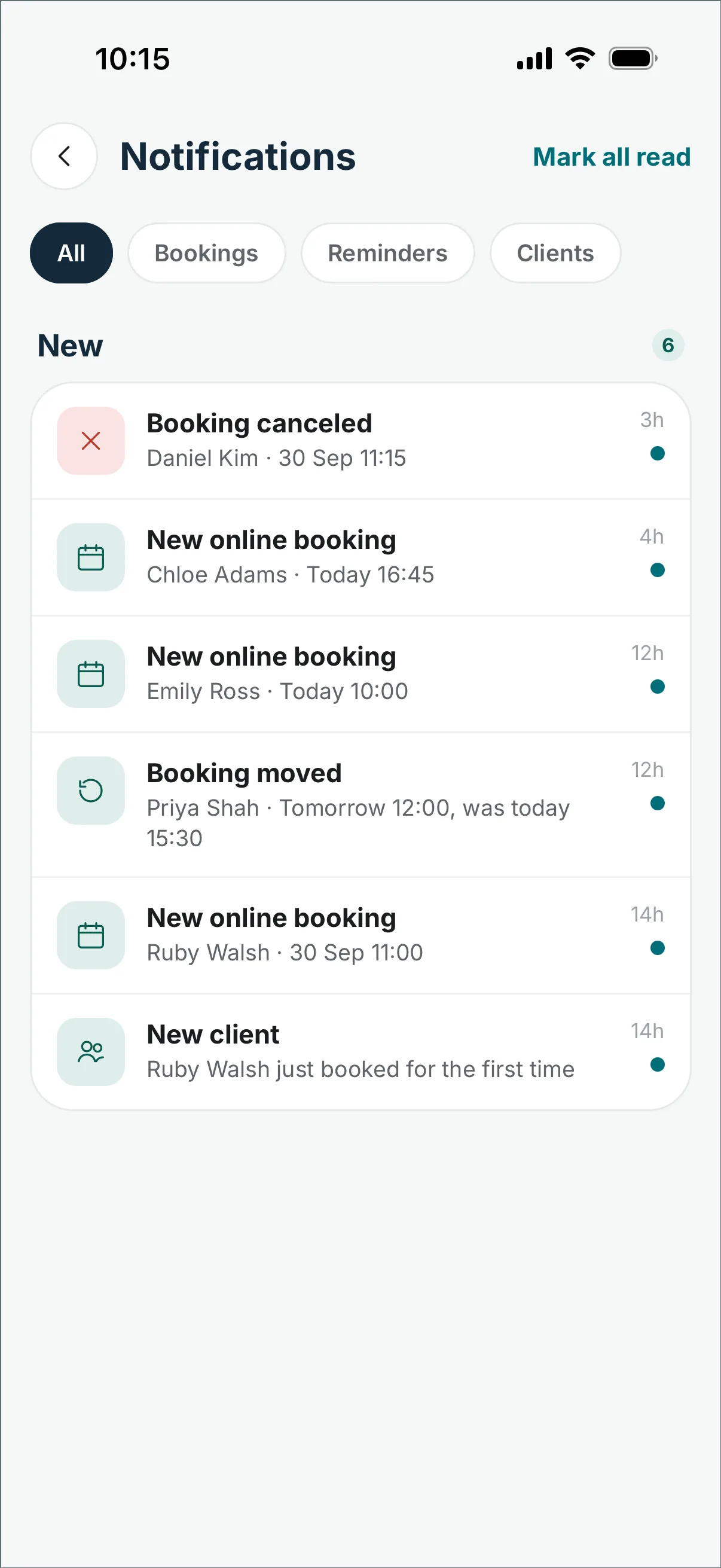
The booking page works while the door is locked: regulars pick a barber, a service and a slot from the bio link — the morning is in order before the lights come on.
A walk-in gets a real gap, not someone's slot.
Tap any free slot on the day’s timeline and the walk-in is booked before the jacket is off. The wait stays short, and regulars keep their exact times.
Every barber's cut, counted without arguments.
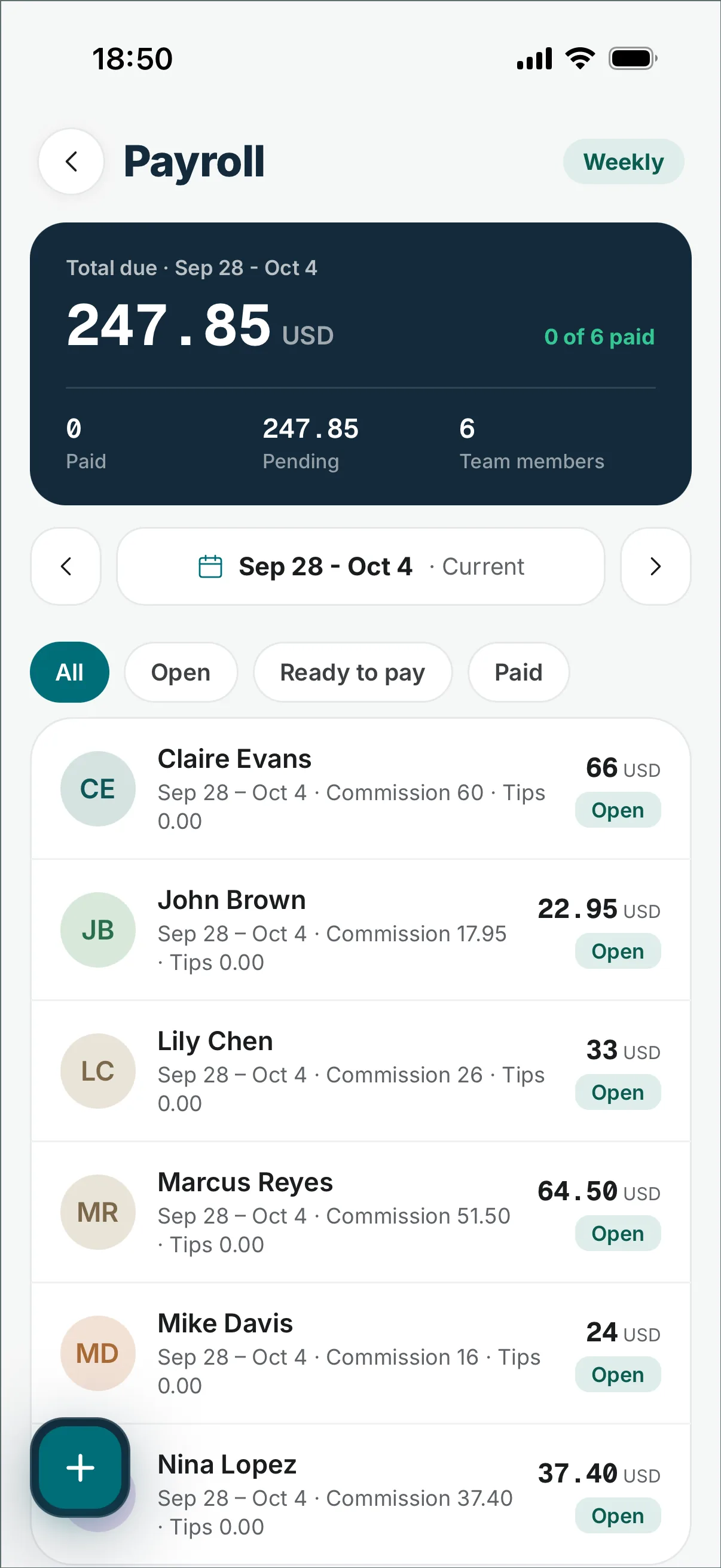
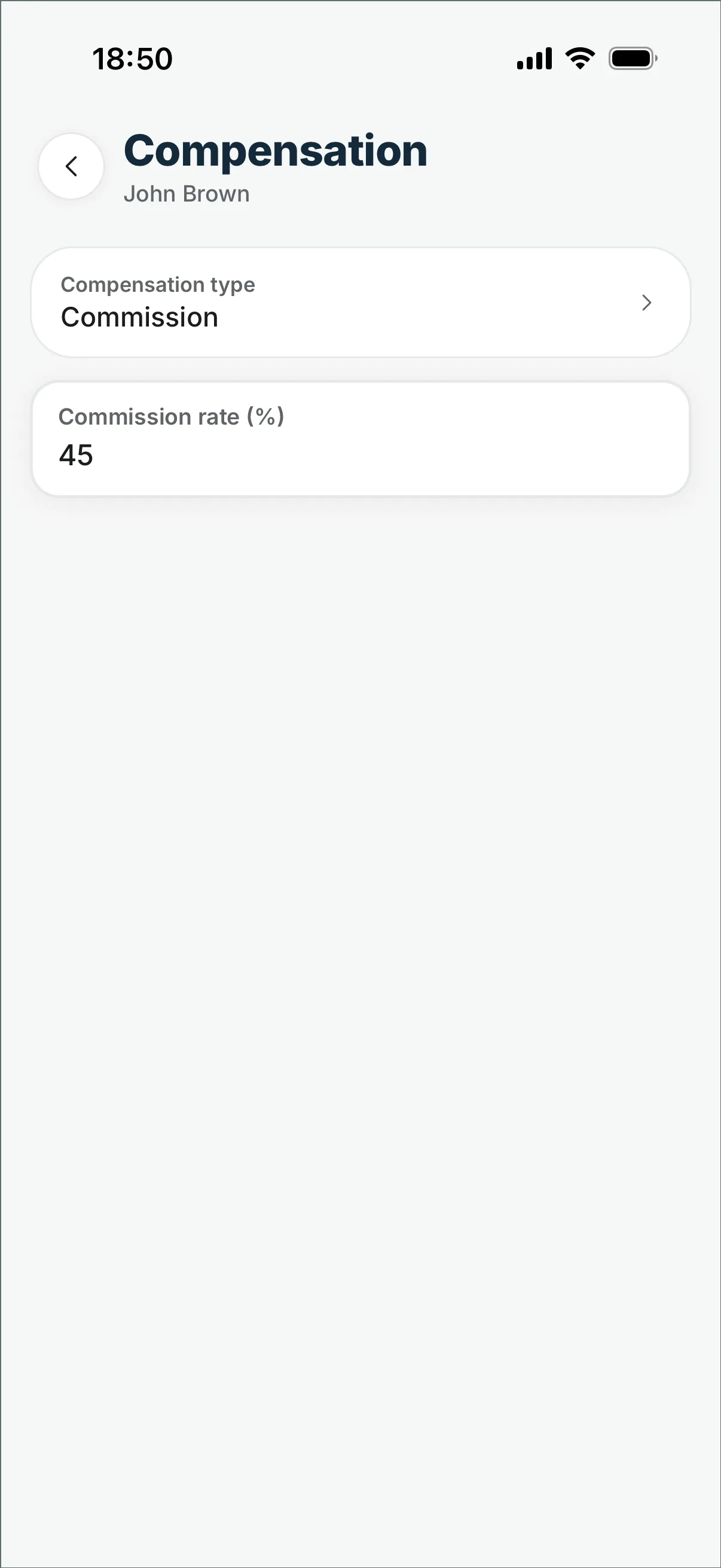
Set the percentage once — every checkout lands with the right barber, and the pay period adds services, tips and retail, minus advances. You pay the money the way you always have; the arithmetic is ready.
Use each barber’s working hours and existing appointments to plan the next visit.
Check the gap before offering the chair.
A walk-in needs enough time for the chosen service. Check the barber’s next appointment and working hours before adding the visit to the calendar.
In short.
Add a walk-in to an available time in the calendar. Clients who book online get an email confirmation, then reminders 24 hours and 2 hours before the visit. For a returning client, use the previous visit to start a new booking, then choose the date and time. Pro adds the shared team calendar and per-barber pay calculations.
Before you switch.
- Does DaySync work for a walk-in barbershop?
- Yes. Find a free time in the calendar and add the walk-in there. Review existing appointments and each barber’s availability before assigning the visit.
- Is it free for a solo barber?
- Yes: the free plan covers online booking, the calendar and your regulars, no card. Pro (a flat $25/month) unlocks the shared calendar, roles, per-barber reports and commission when you add barbers.
- Can regulars rebook fast?
- Use Rebook on a completed visit to carry over the client, barber and services. Then choose the next date and time before saving.
- Do clients need an app?
- No. Clients use your booking page in a browser and provide their name, phone number and email. Depending on your settings, a verification code may be required.
- How do I manage a cancellation?
- Cancel it in the calendar and the slot goes straight back on sale on your booking page.
- What if someone no-shows on Saturday?
- Clients who book online get email reminders 24 hours and 2 hours before the visit, and a cancelled slot goes straight back on sale.
- Can two barbers share one shop?
- Two barbers is a team, so that's Pro: a flat $25/month, unlimited members, shared calendar with roles and per-barber reports.
Plan booked visits and walk-ins together.
In your pocket
Check appointments and client records in the iOS or Android app.
free to start, no card · Pro is a flat $25/month when a second team member joins