
Track salon products, costs and stock.
Retail products and service supplies, counted as they sell and get used.
Retail products and service supplies
Each product has a cost and a price, so the margin shows as soon as both are in.
Low-stock alerts tell you when to reorder.
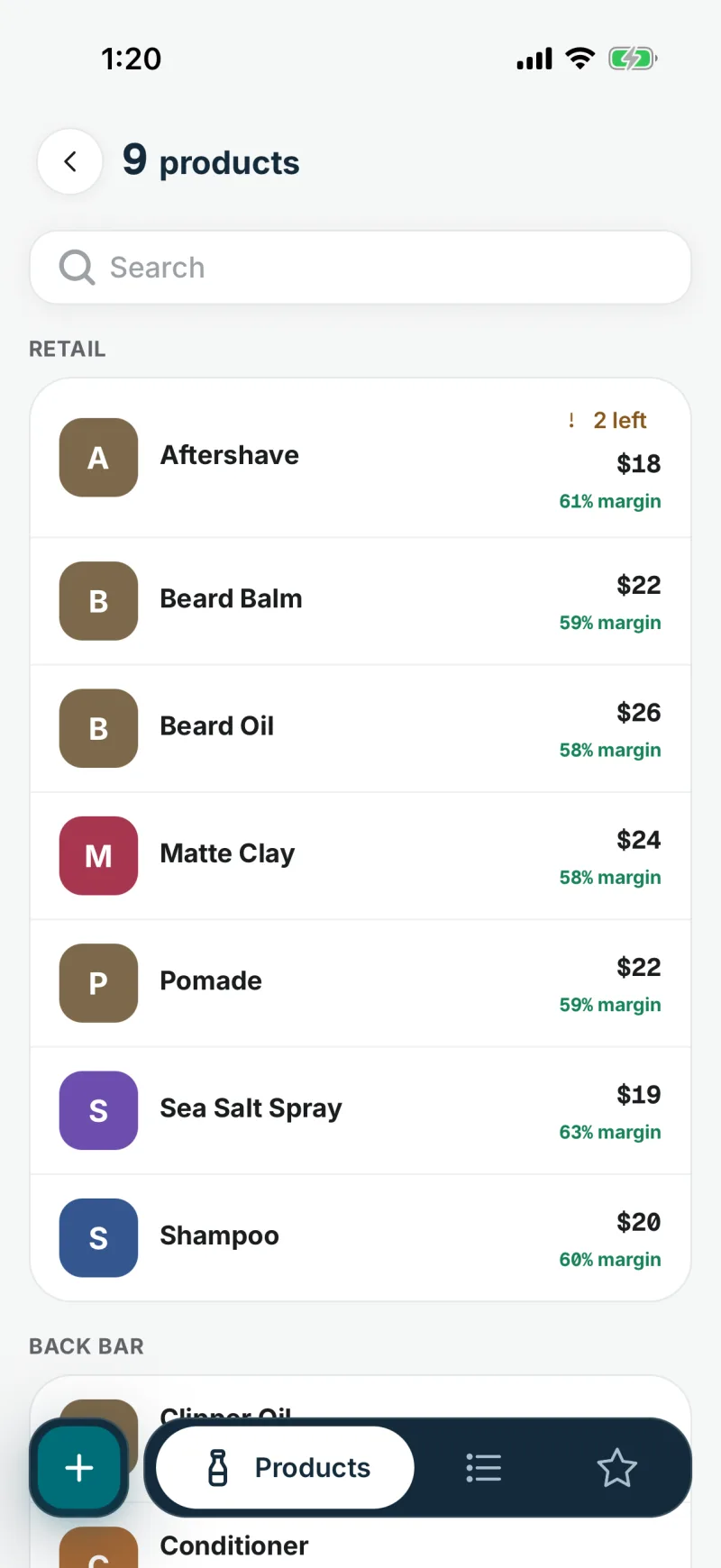
Stock updates with each sale and appointment
A retail sale at checkout counts the product down, and the supplies you list for a service are deducted when the appointment is completed.
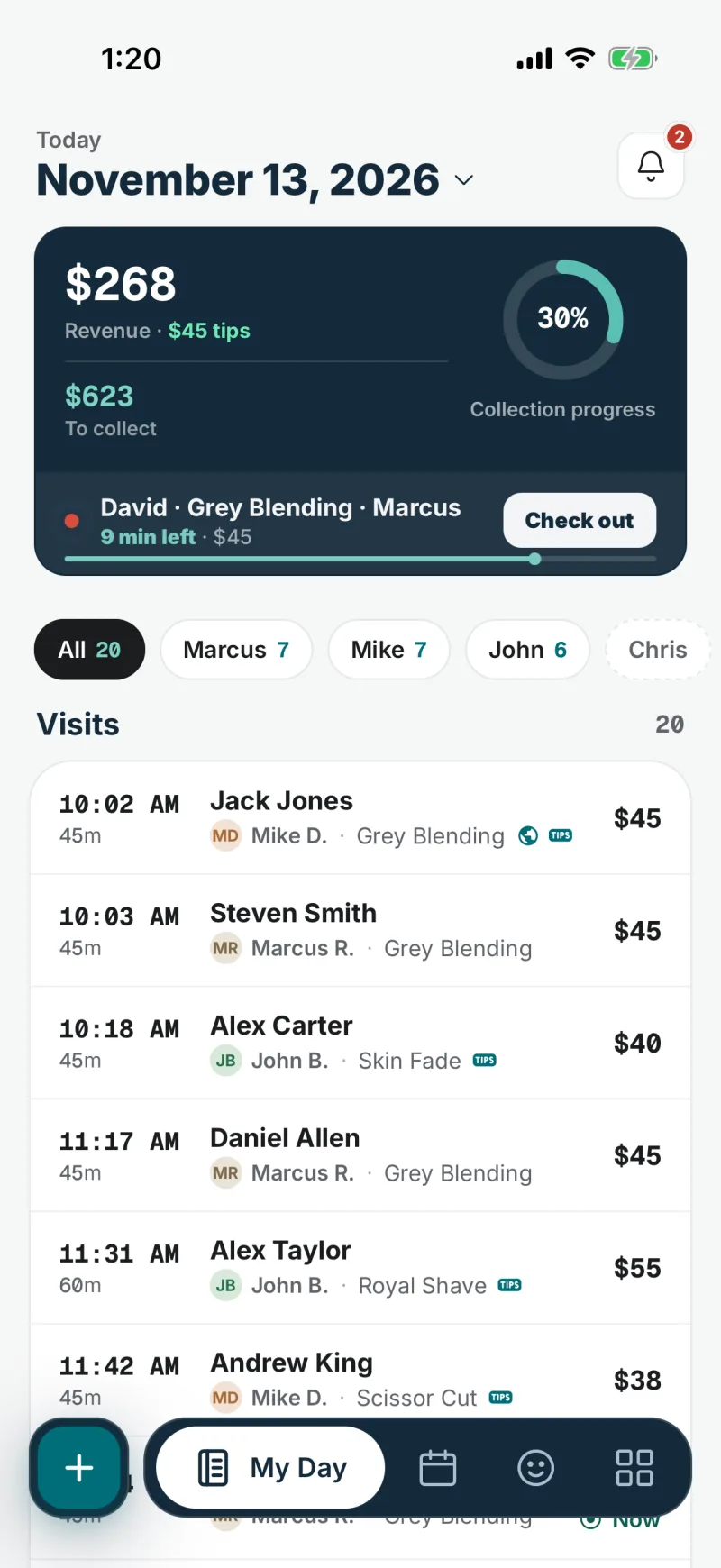

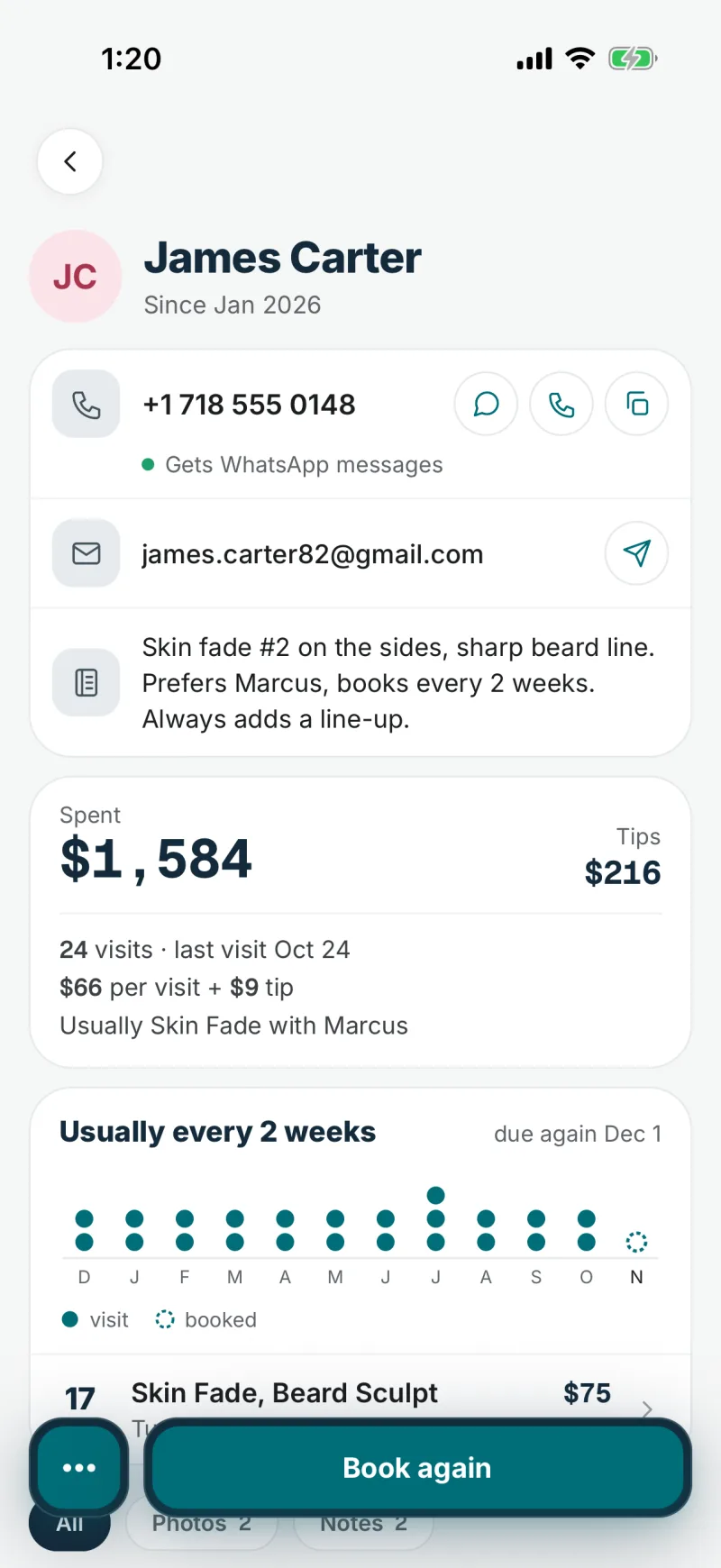
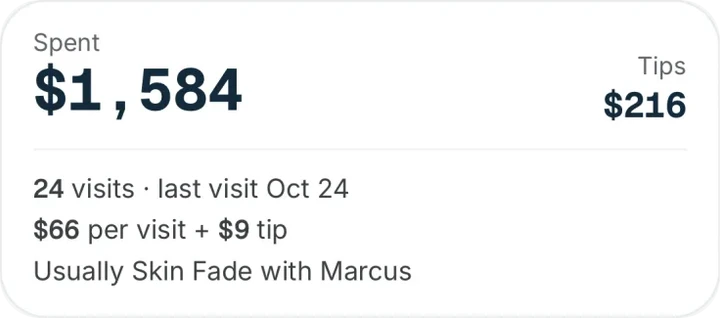
See what each client buys
On a client’s record, their spending is split between services and products.
How inventory tracking works
DaySync tracks two kinds of products: retail products you sell to clients, and service supplies (back bar) your team uses during services. Each product has a cost and a price, so the margin shows as soon as both are in.
Stock updates with each sale and appointment: a retail sale at checkout counts the product down, and the supplies you list for a service are deducted when the appointment is completed. Low-stock alerts tell you when to reorder.
Questions about products and stock
Compare plansCan I choose when a product counts as low?
Yes. Each product has its own low-stock alert level, and the product is marked as soon as its stock drops to it.
Can I record deliveries and waste?
Yes. Add a delivery, set the quantity after an inventory count or write off waste, each with an optional note; every change is listed in the product’s history.
What does the AI invoice scan do?
It reads product names, quantities and costs from a supplier invoice and fills in a draft delivery; you review it and confirm before it is saved.