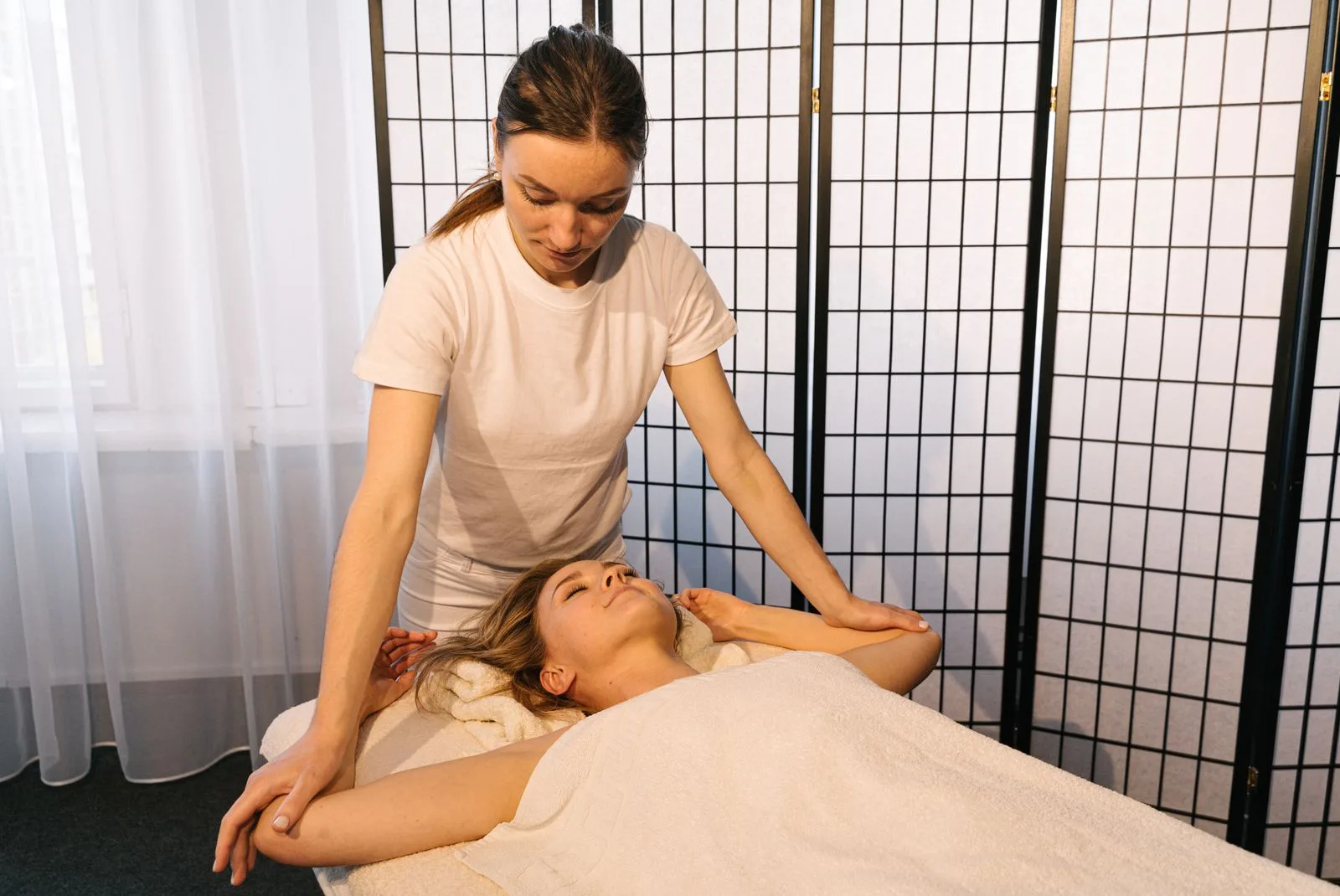
A massage therapist works on a client’s shoulders.

Online booking for massage therapists.

Let clients choose an available session while you work, with session lengths and buffers set once.

Sessions of 60 and 90 minutes

Add each session length as its own service with its own price. Clients book online while you’re in a session, and each booking holds its time on the Schedule.
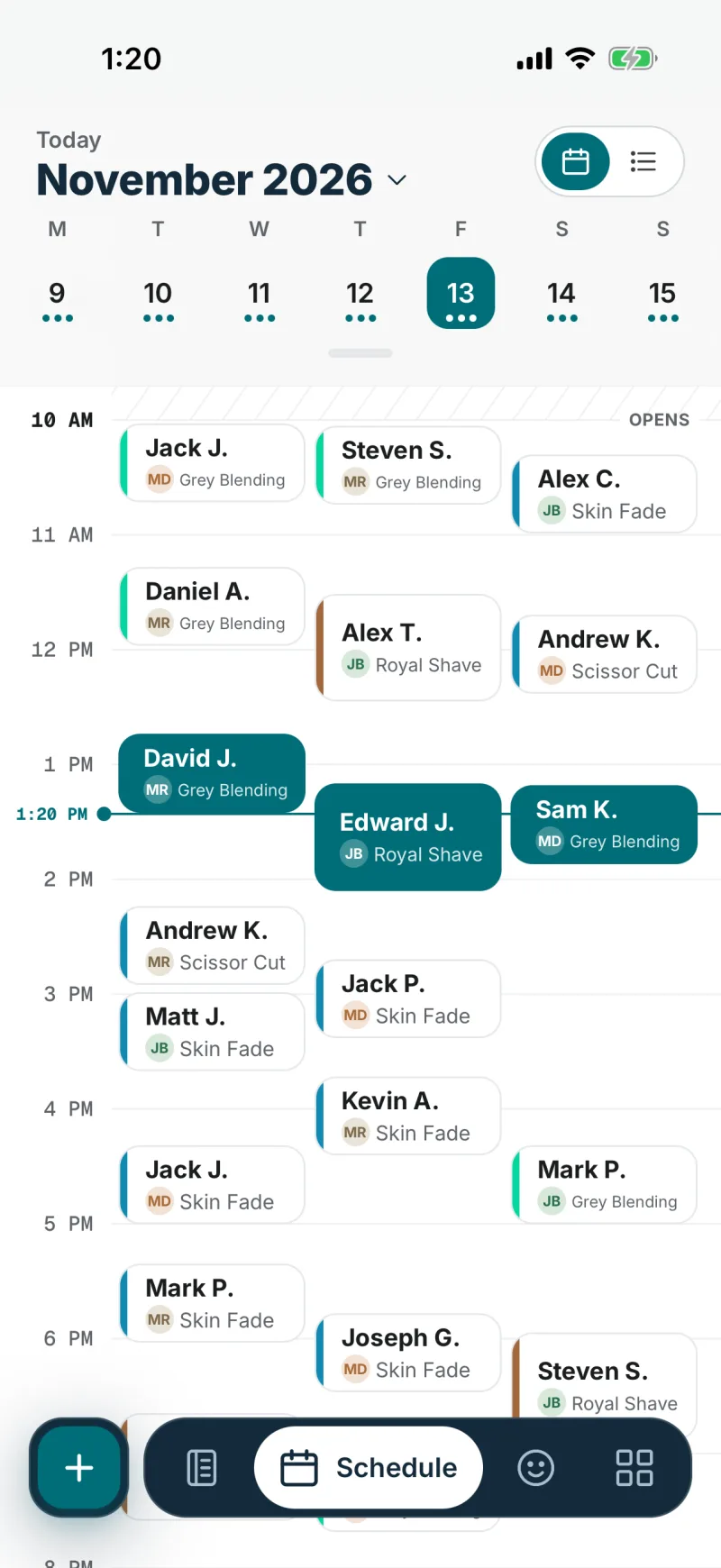
The Schedule in the DaySync app for Friday, November 13, in a demo barbershop: appointments from 10 AM to the evening, each with the client’s name, the team member’s initials and the service
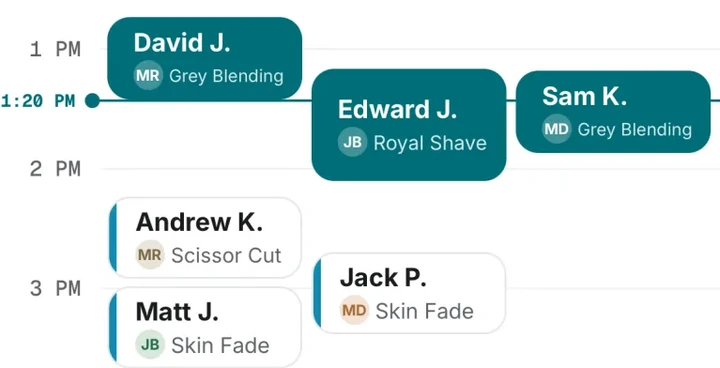
The part of the Schedule around 1:20 PM: three appointments in progress, each with the team member’s initials, and the next ones after 2 PM with the rest of the hour free

Client preferences between sessions

Review the client’s notes and history between appointments, and see when they’re due back.
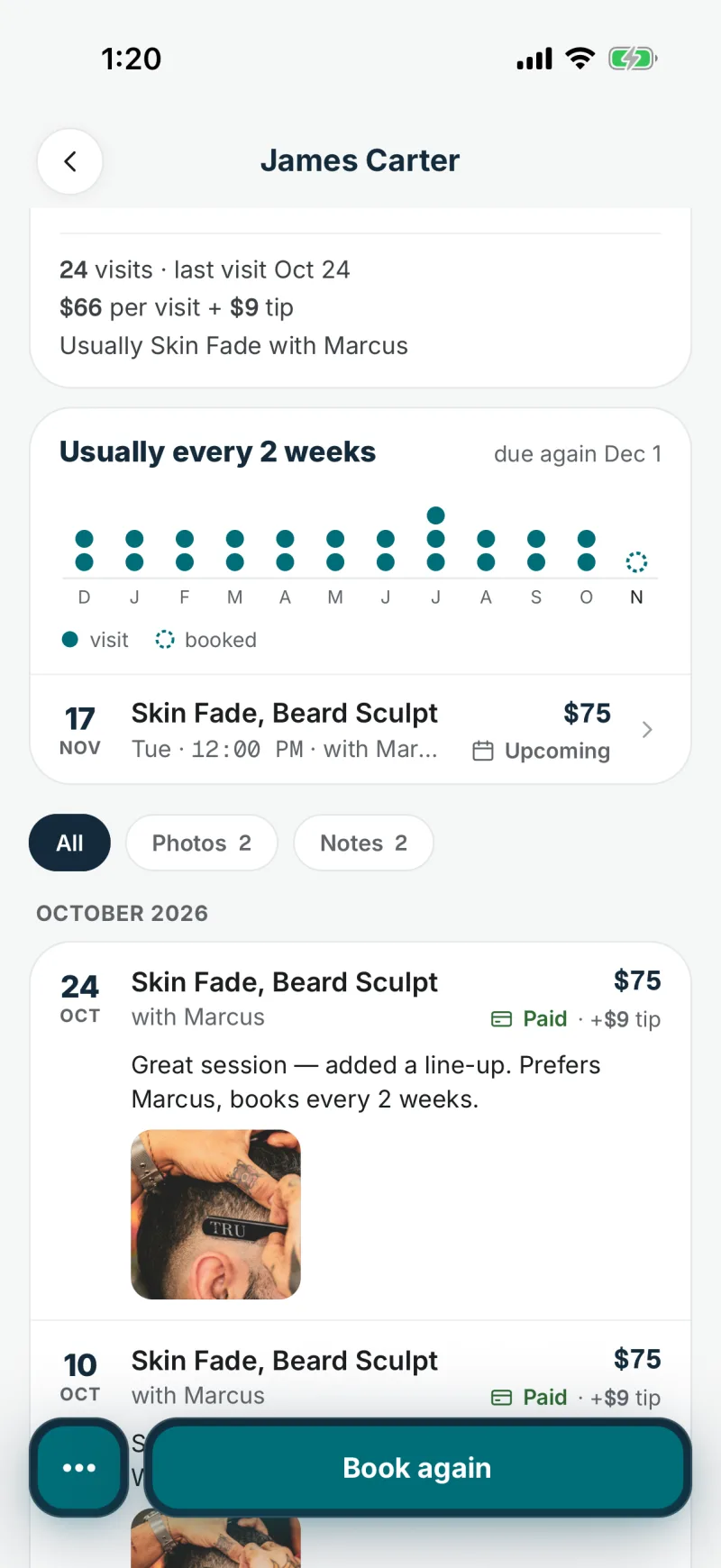
A client’s record in the DaySync app, in a demo barbershop: 24 visits, the last one on Oct 24, the visit history with notes and photos, and a Book again button
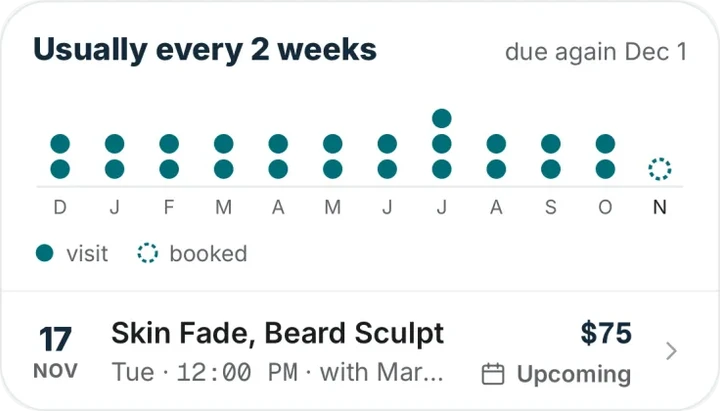
The card from the record: usually every 2 weeks, due again Dec 1. A dot for each visit, month by month, and the next appointment on Nov 17.

Send clients a reminder before each appointment

By default, reminders go out 24 hours and 2 hours before the appointment; you can choose up to two of 1, 2, 24 and 48 hours. Each goes on WhatsApp first, with email as backup. Clients also get a message when an appointment is booked, moved or canceled.

WhatsApp messages use credits: 1 or 2 per message, depending on your client’s country. You can buy credit packs on any plan.
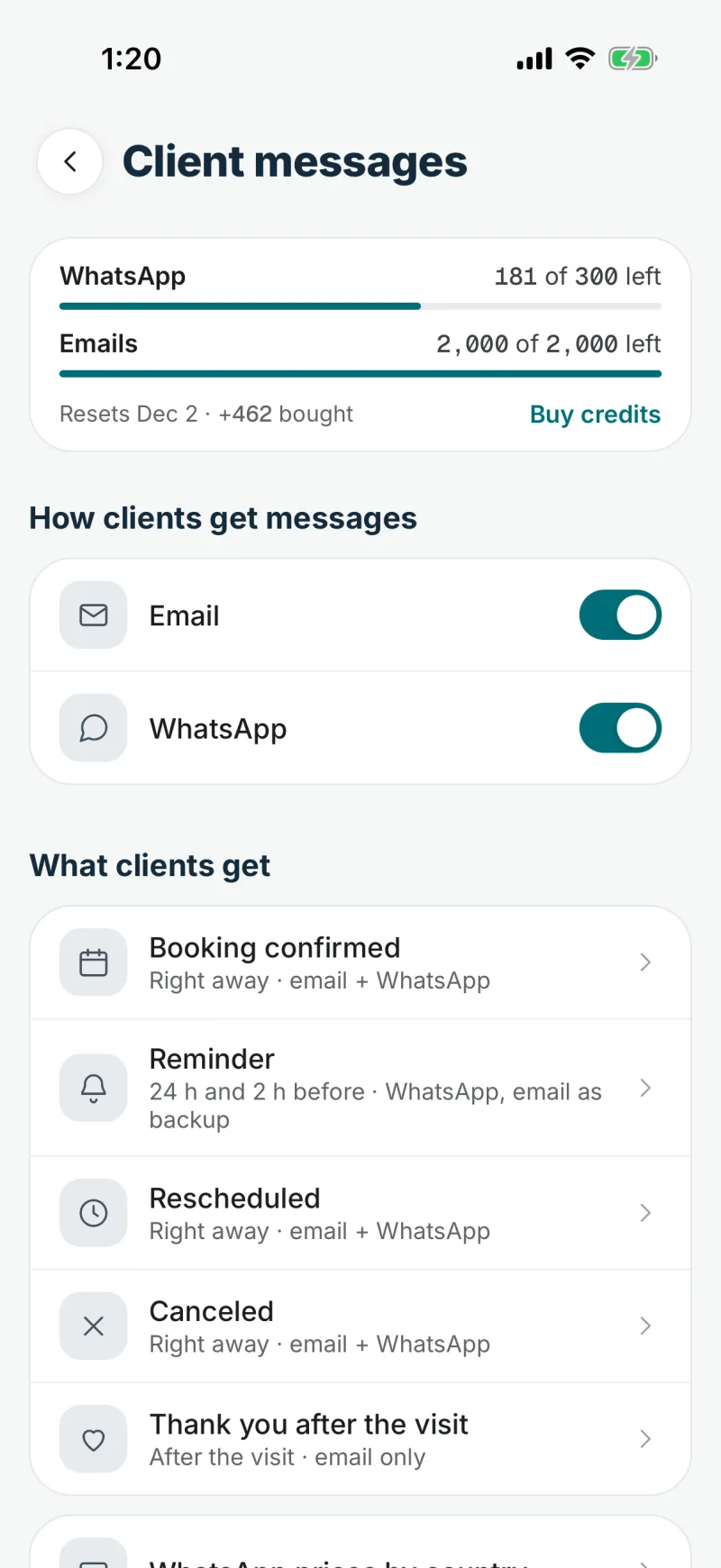
Client messages in the DaySync app: WhatsApp credits and emails left this month, Email and WhatsApp switched on, and the messages clients get: booking confirmed, reminder, rescheduled, canceled and a thank-you after the visit
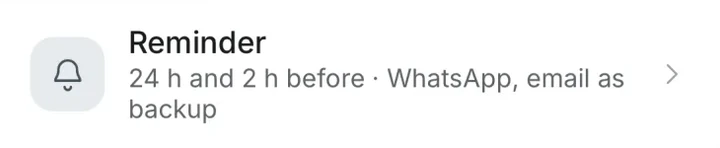
The row from the list: Reminder, 24 h and 2 h before, by WhatsApp with email as backup

Clients book online while you are with a client

Your practice gets its own booking link. Clients pick a session and a free time, and enter their name and phone number, with no app or account.

How online booking works

A therapist talks with a client sitting on the massage table.
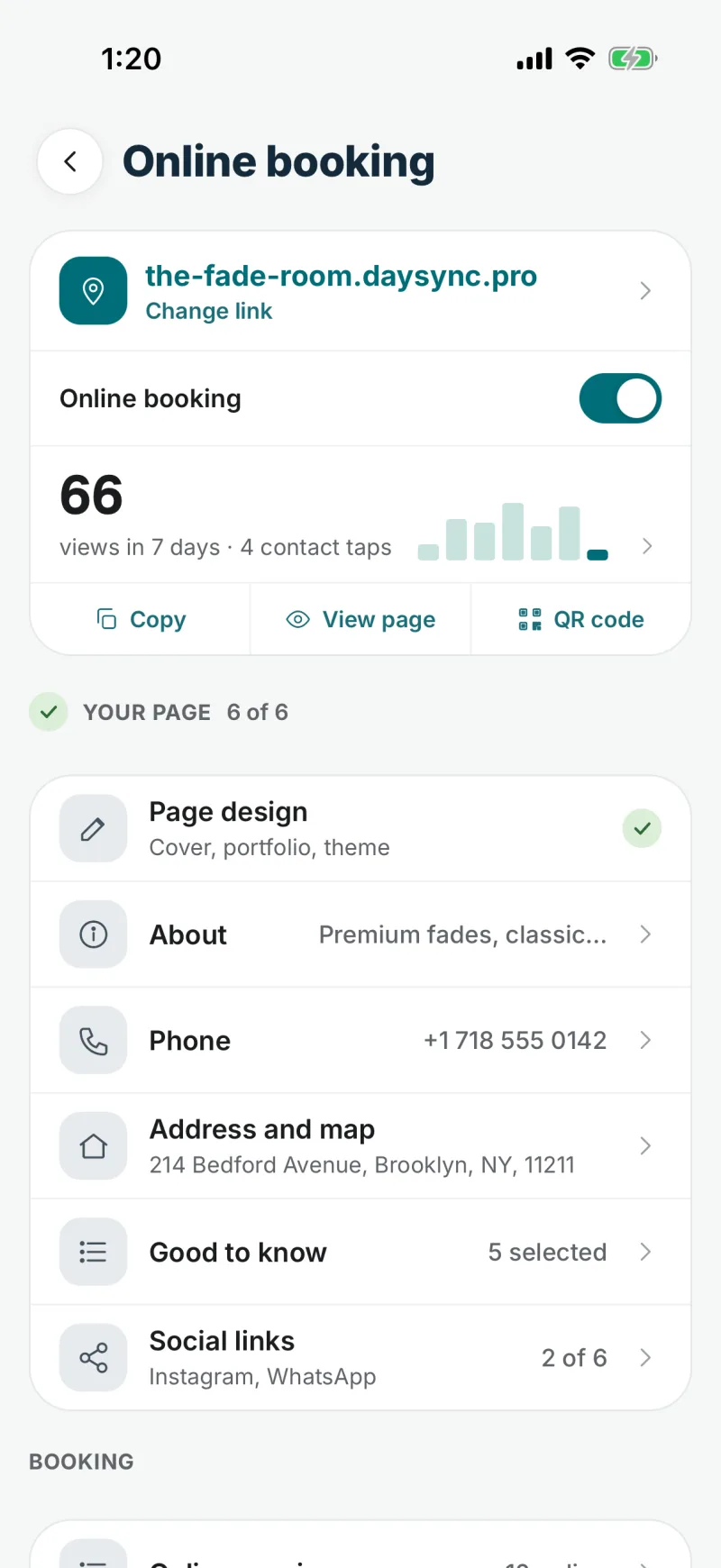
Online booking in the DaySync app: the booking link, an on and off switch, page views, and the parts of the booking page: design, about, phone, address and map, social links
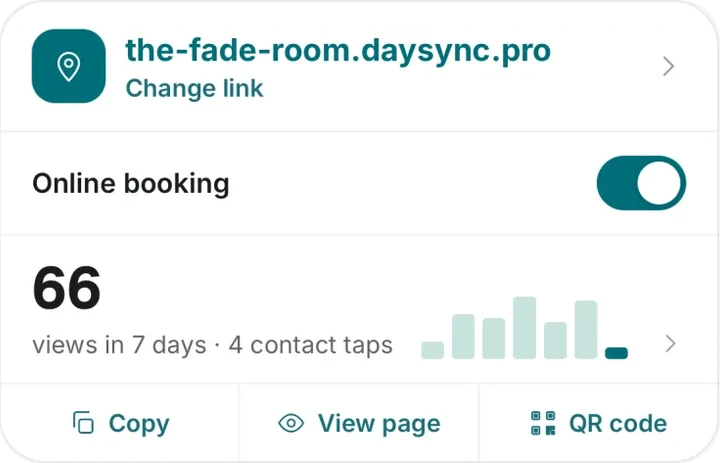
The card from the screen: the-fade-room.daysync.pro, online booking switched on, 66 views in 7 days, and the buttons Copy, View page and QR code

See the whole week on a computer

Open web.daysync.io in a browser and log in with the same account. The week view shows everyone’s appointments, or only yours.
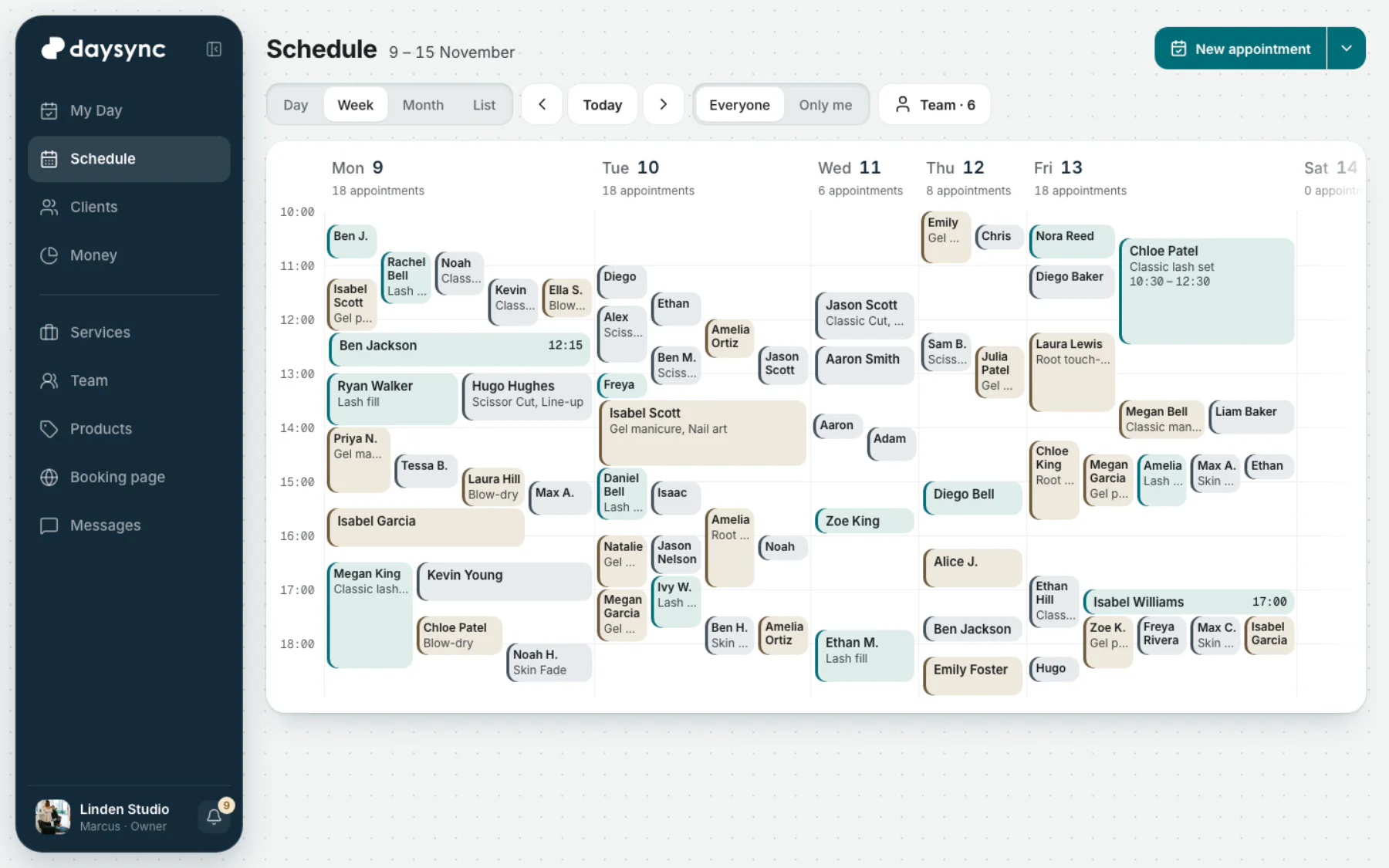
DaySync web app, Schedule, the week of 9 to 15 November in a demo salon: each day’s appointments in columns, with buttons for Day, Week, Month and List, Everyone or Only me, and New appointment
The web app, shown with a demo salon’s week.
View full size
The web app, shown with a demo salon’s week.
DaySync web app, Schedule, the week of 9 to 15 November in a demo salon: each day’s appointments in columns, with buttons for Day, Week, Month and List, Everyone or Only me, and New appointment

Questions from massage therapists

Compare plans

Is DaySync free for a solo therapist?

Yes. Free covers up to 2 people, including the owner, with online booking, the calendar and client records. No credit card required for the Free plan.

Does it protect reset time between sessions?

Yes, for online bookings: in Booking settings, set the buffer once (up to 60 minutes), and every appointment from your page gets that free time after it.

What does Pro add for a small practice?

Pro covers up to 5 people for $12/month and adds 120 WhatsApp credits a month for client messages and reminders. Business covers unlimited people for $25/month.

Get DaySync for your massage practice