
Calculate team pay from completed work.
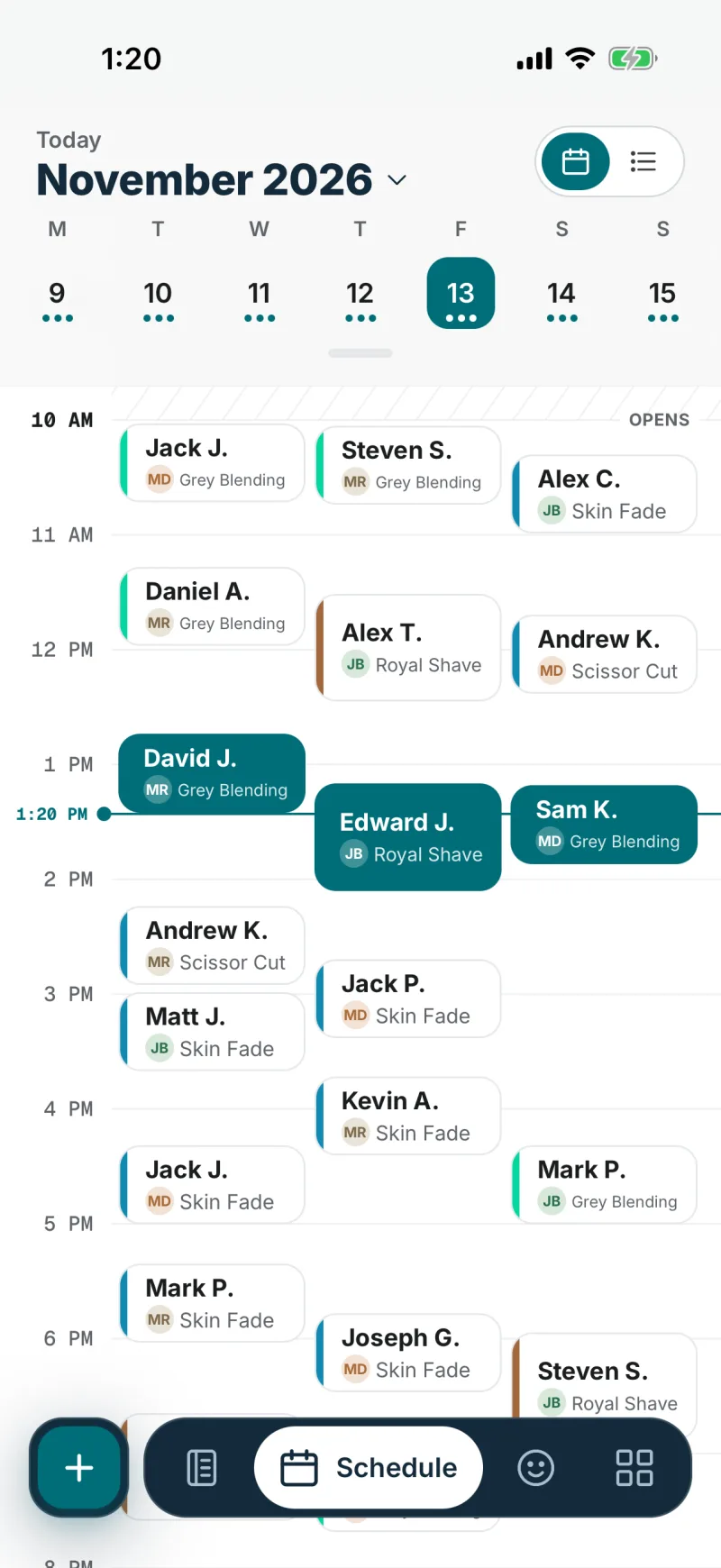
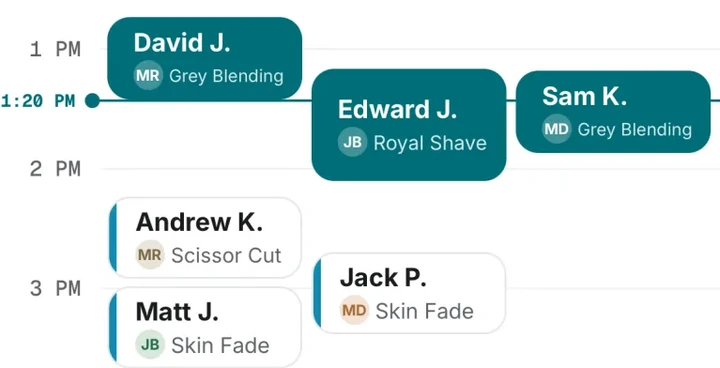
Commission, tips and advances, calculated for each pay period from work already on the calendar.
Pay comes from the work on the calendar
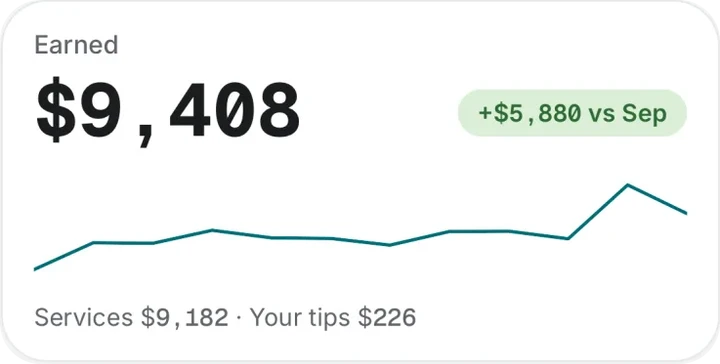
For each pay period, DaySync adds up commission on completed services with tips. There is no spreadsheet to rebuild at the end of the period.
One total per person
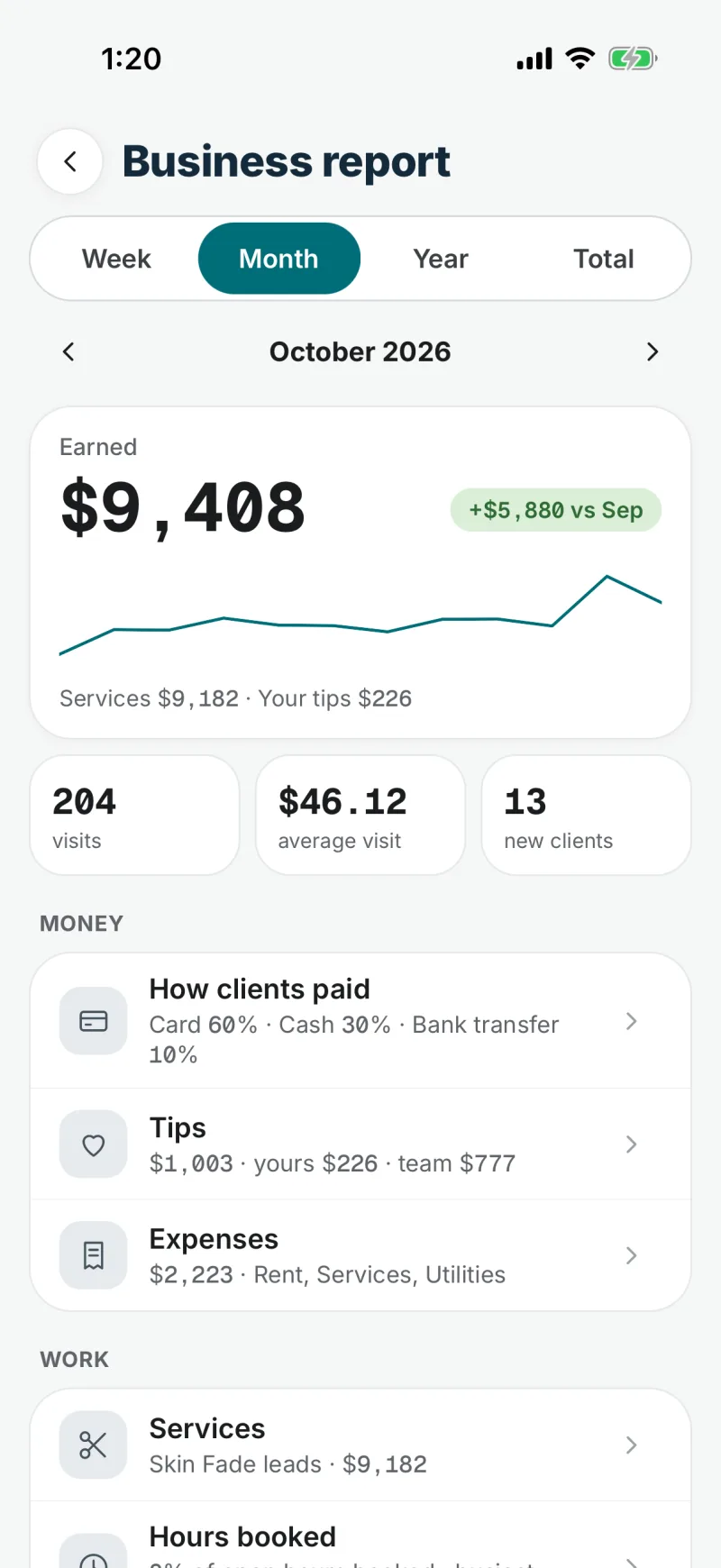
DaySync applies bonuses and deductions, subtracts advances already paid and shows one total for each team member.
Pay your team your usual way
DaySync calculates and records pay; it doesn’t send money. Pay your team your usual way, then mark the period paid.
How team pay is calculated
There is no spreadsheet to rebuild at the end of the period.
For each pay period, DaySync adds up commission on completed services with tips, applies bonuses or deductions, subtracts any advances already paid and shows one total per person.
DaySync calculates and records pay; it doesn’t send money. Pay your team your usual way, then mark the period paid.
Questions about payroll
Compare plansCan team members have different terms?
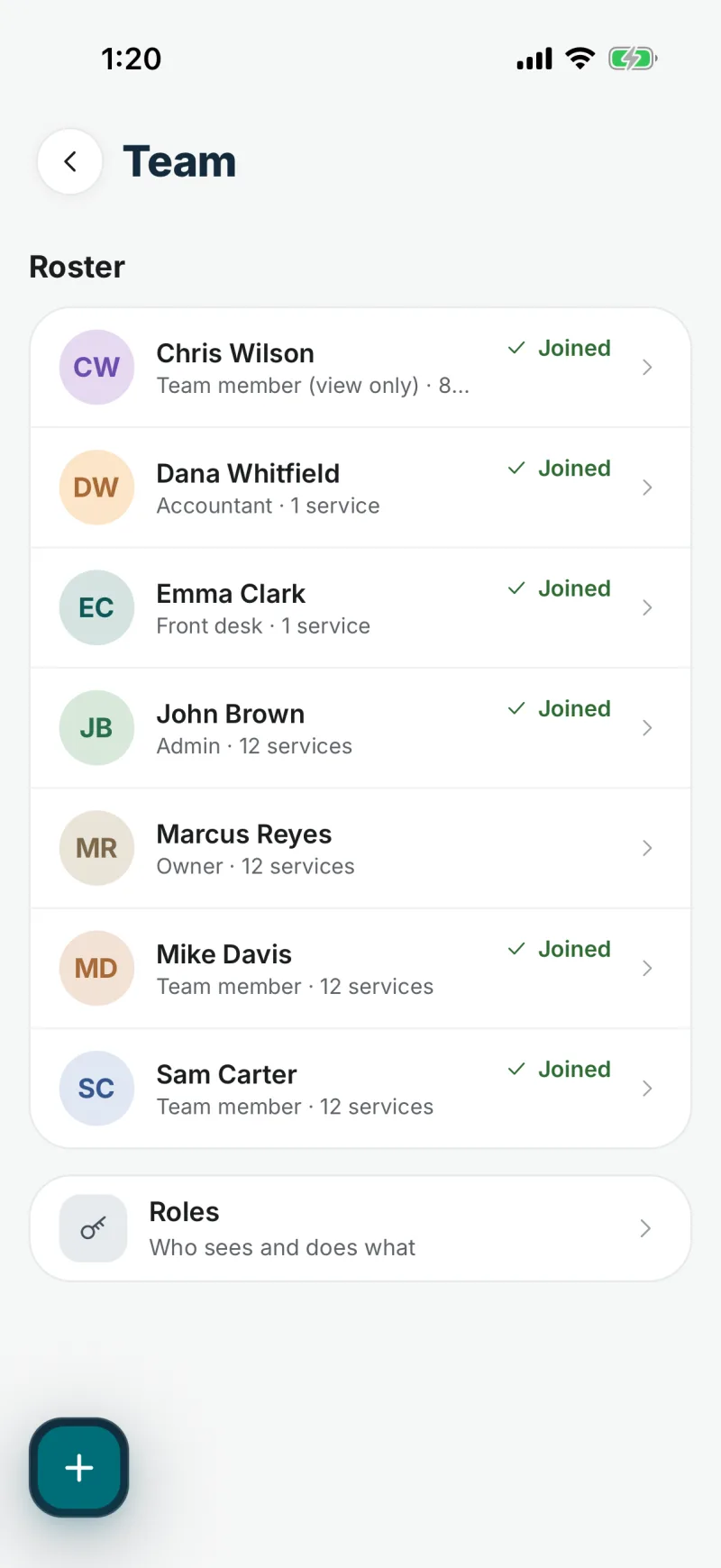
Yes. Set commission or a fixed salary separately for each team member. Their pay periods use those individual terms.
How long is a pay period?
A week. Generate the week’s pay periods for the whole team in one step, then close a period when it is done: nothing more is added to it. Pay all marks several periods as paid at once.
Can I look back at earlier pay periods?
Yes. DaySync keeps a record of each pay period and its payment status.