The rebook cycle, without relying on memory.

Every client in this chair is due back in a few weeks. The studio that remembers first keeps the client — so one person shouldn't have to.

free to start, no card · the cycle on file · also runs in the browser

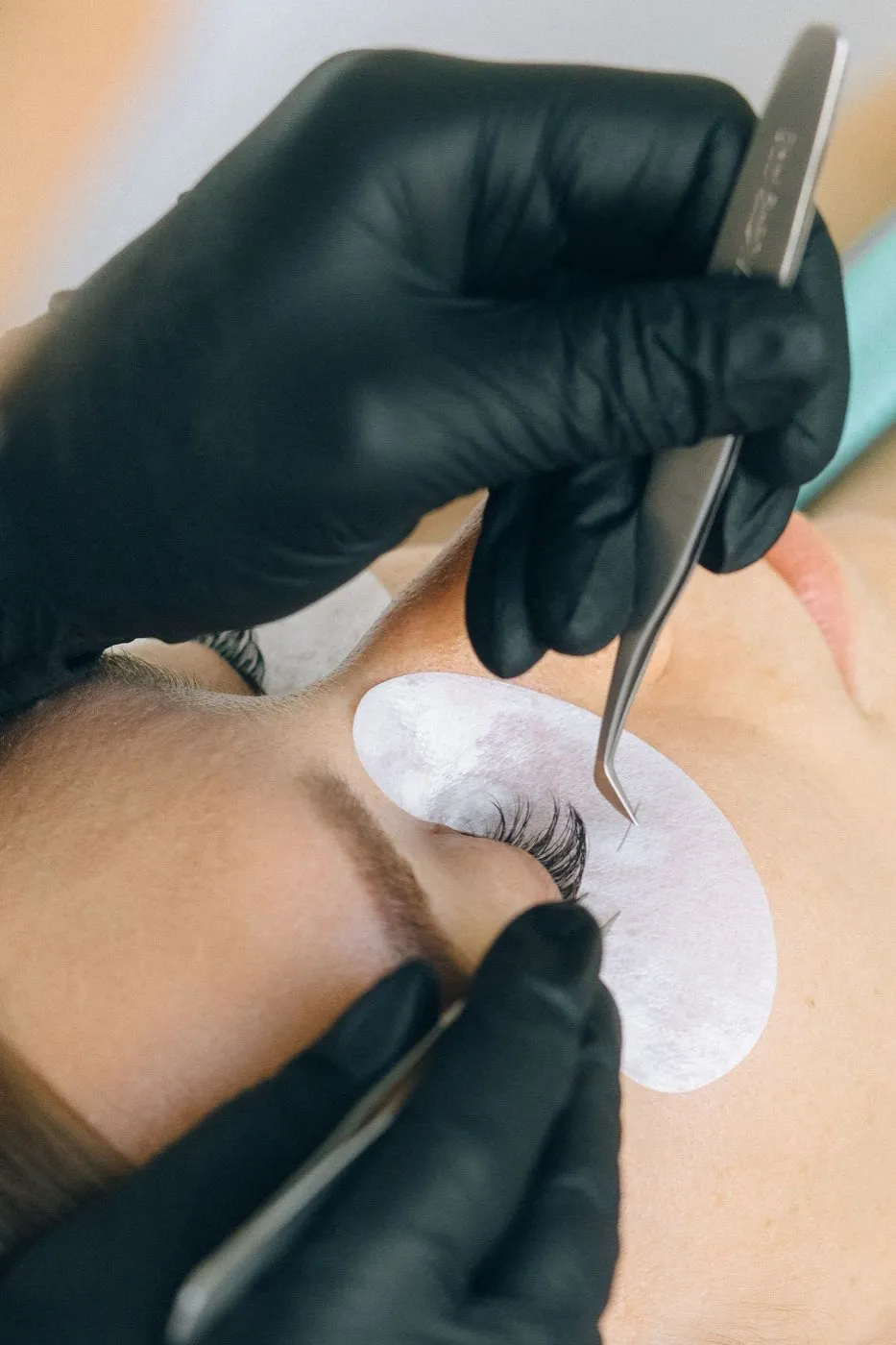
Precision tweezers held close over lash and brow work

A brow day: the cycle keeps itself on file.

The card opens where the last session ended.

Shape, pigment, sensitivity — notes save per visit, and mapping and healing photos attach to the booking. The touch-up starts from the card, not from memory.

Clients — the whole page

SESSION NOTE

Soft arch · mapped 28 May. Pigment: warm brown — healed cool. Photos attached.

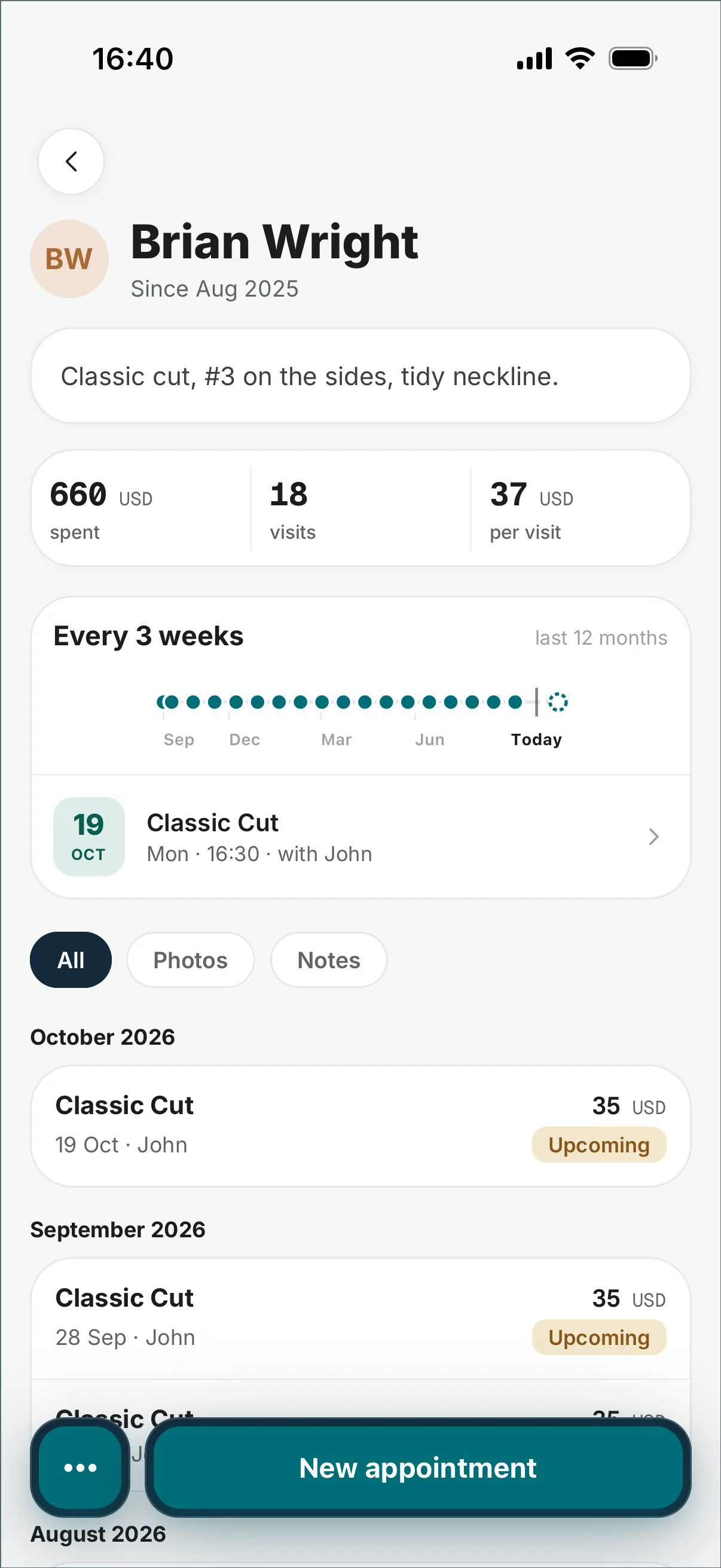
You can see who's due back.

The card shows each client’s visit rhythm and flags who’s due or overdue; the weekly report names the regulars who are drifting away.

Business report — the whole page

VISIT PATTERN

Emma returns about every 6 weeks — due back Friday.

WIN-BACK · FROM THE WEEKLY REPORT
Analast visit 9 weeks agoRebook
Likalast visit 8 weeks agoRebook

The next session, in one tap.

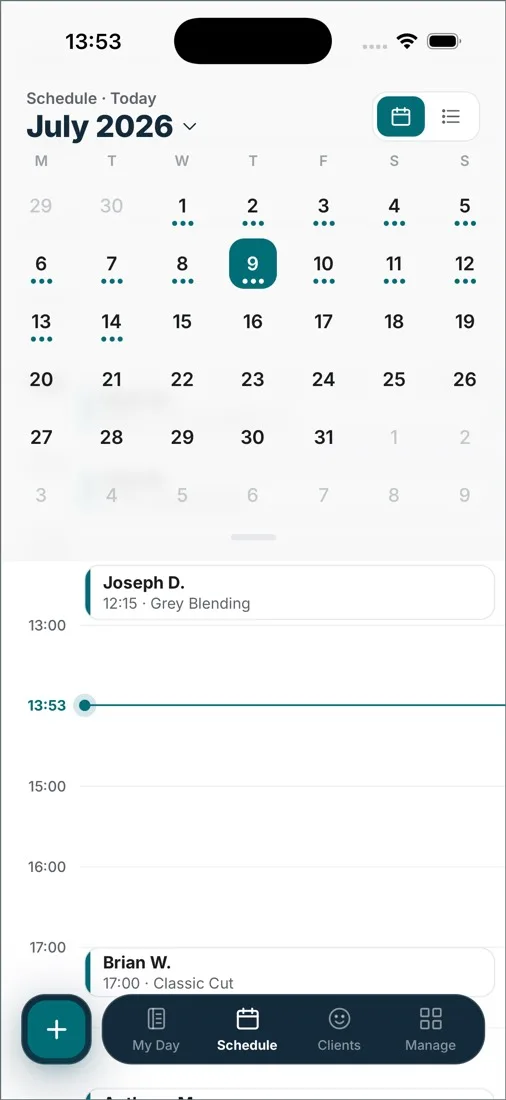
On a finished booking, Rebook clones it — same client, same services — just pick the date while she’s still in the chair.

Schedule — the whole page

EMMA · TOUCH-UP
Today 13:30 · completedbrow shape + tintRebook
Fri, week 6 · 13:30same services, same chairBooked

The rebook cycle is the business model. DaySync's job is to make sure it never depends on memory – yours or theirs.

The client you forgot to rebook now goes to another studio.

Brow work has a built-in expiry, and every overdue week is revenue walking next door. DaySync keeps the cycle in sight: visit rhythm on the card, one-tap rebooking, and a report that names who's drifting.

In short.

DaySync is booking and scheduling software for brow and PMU studios. Clients book from your page — a name and phone number in any browser, no app — and online bookings get automatic confirmations and reminders. This trade runs on rebooking, so DaySync keeps the cycle visible: the card shows each client's visit rhythm and flags who's due back; one tap rebooks her for the next session; the report names drifting regulars. Notes and photos keep shape, pigment and the healed result. Free for one artist; Pro is a flat $25/month as the studio grows.

Before you switch.

How does DaySync handle the rebook cycle?
Three ways: the card shows the visit rhythm with a due/overdue flag; one tap rebooks the client for the next session; the report names regulars who are drifting.
Can it remind clients about appointments?
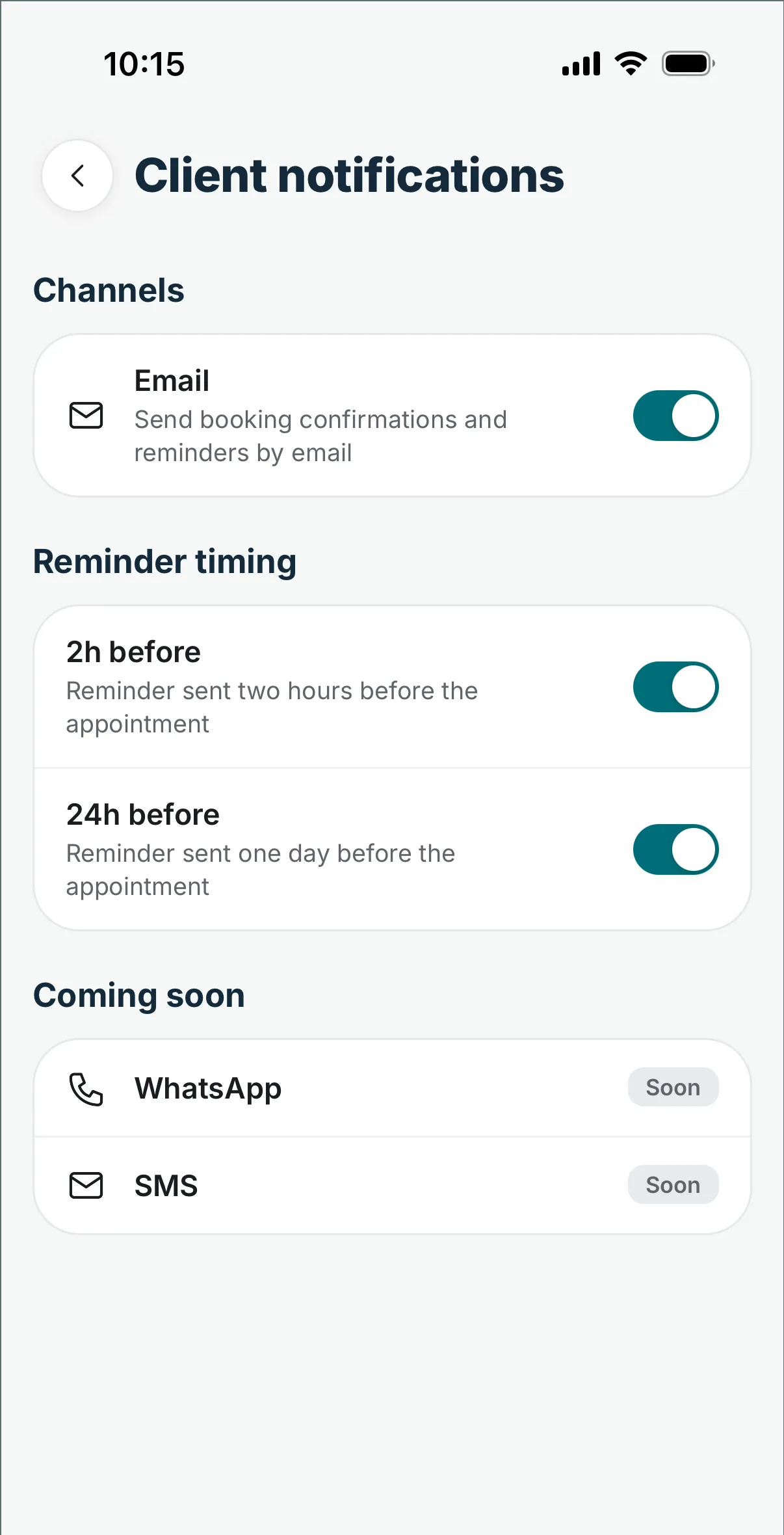
For online bookings, yes: email confirmations and reminders go out automatically. Manually added bookings don't send client emails yet.
Can I keep shape and pigment notes?
Yes: every client has a history — notes per visit, mapping and healing photos, payments. The touch-up starts where the last session ended.
Do clients need an app?
No: the booking page works in any browser — service, time, name and phone number.
Can DaySync take PMU deposits?
Not through DaySync: you take deposits the way you always have. DaySync confirms and reminds automatically on online bookings.
Can two artists share the free plan?
No, the free plan is for one person. A second artist means Pro: a flat $25/month, no per-seat fee.

Stop being the studio's memory.

In your pocket

iOS and Android. The day, the week and the clients ride along.

Also in the browser

The desk view when you need it. Nothing to install.

 web.daysync.io →

free to start, no card · Pro is a flat $25/month when a second team member joins