From Instagram to the chair: a booking link that gets used
 By the DaySync team. Drafted with Lissa, our AI writing assistant.
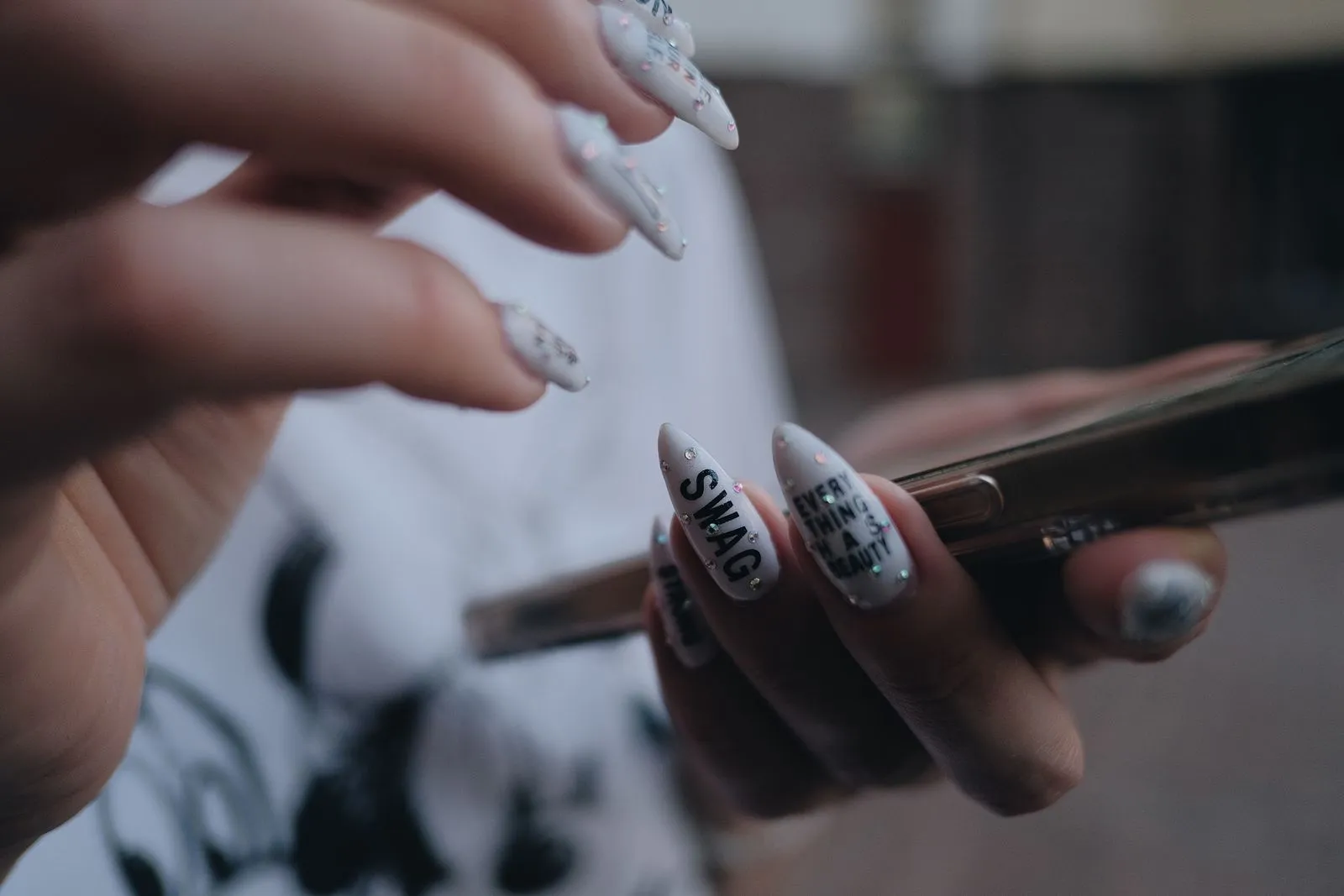
A woman sees your chrome set on Instagram, opens your profile and wants the same one for Saturday. What she finds next decides whether you get the booking: a link that opens your calendar, or a line saying "DM to book" that she answers tomorrow, if she remembers.
DaySync has no Instagram integration. What it gives you is an ordinary link to your booking page, and that is enough for this job.
- 1The client sees your workOn a post, a reel or a story.
- 2She taps the link in your bioIt opens your-studio.daysync.pro in the browser.
- 3She picks a service and a free timeNo app, no account; a verification code may be asked for.
- 4The booking is on your calendarWith a reference number, and a confirmation goes to the client.
One link in the bio
Your booking page is at your-studio.daysync.pro. Clients open it, see only the times still open, pick a service and book with a name, phone number and email. They don't download an app or create an account, and a verification code may be asked for. Each booking lands on your calendar with a reference number, at any hour.
Put that link in your bio and name it for what it does: "Book an appointment". If you use a page of many links, put booking first. A client who has to scroll past a playlist and a discount code to find your calendar may stop at the DM.
Name services the way your photos show them
A photo shows a result. It doesn't show that the result took a removal, a set of builder gel and three hours. A new client picks from the menu, so the menu has to carry that.
- Give a service a name a stranger understands: "Gel extensions, full set" instead of "Signature set".
- Write the duration and what is included in the description.
- Where a result needs a consultation first, such as a big colour change or a first lash set on sensitive eyes, add a short consultation service and say so in its name.
On Free, the public page shows up to 5 services. Pro shows all of them. If you offer more than five, put the services your Instagram attracts clients for first; those are the ones a new visitor needs.
Show times you can keep
A client browsing at 11 p.m. sees real availability instead of waiting for a morning reply. That only helps if the times are true, so check three settings in the app's online booking settings:
- Working hours and days off, for each person who takes bookings.
- Service durations. A 60-minute service that takes 90 will push every later visit of the day.
- Buffer between appointments, if you need cleanup time after a visit. The options run from no buffer to 60 minutes.
Approval is your choice too: automatic confirmation, manual review, or automatic for returning clients only. With manual review, a booking waits for your approval, which suits a barber or lash artist who wants to see who is coming.
Answer the questions that come after Book
A first-time client still wants to know where the door is. The booking page has a Visit us card with a map pinned to your address, your phone, links and opening hours. On Pro and Business it also has Good to know, where you can add things such as parking or step-free access.
Fill those in once. They replace the "where do I park?" message that comes the night before a first visit.
Test it on your own phone
Open your profile as a client would, in the Instagram app, not in your browser. Tap the link, choose a service, look at the times and book yourself in. Then check the confirmation email.
Look for the places where you would hesitate: a service name only your team understands, a price that differs from the post, a time that isn't free. Fix those before you post the next set.
What you can and can't tell afterwards
A booking made through your link is marked "booked online" on the client's record. DaySync doesn't record that the visitor came from Instagram, so a booking can't be traced to a single post. If you want to know, ask new clients how they found you and note it on their record. The link also works in a story, a WhatsApp status or a printed card, and every booking looks the same.
The five-minute setup is in the 5-minute booking page.